Module 3 Formstorming

Weekly Activity Template---Freddy Hu

This project explores a touch-based interactive game using MakeyMakey, focusing on how physical input can directly control digital movement and feedback.


Project 3


Module 3

Exploration about Touch effect in P5js by using Makey Makey

Activity 1
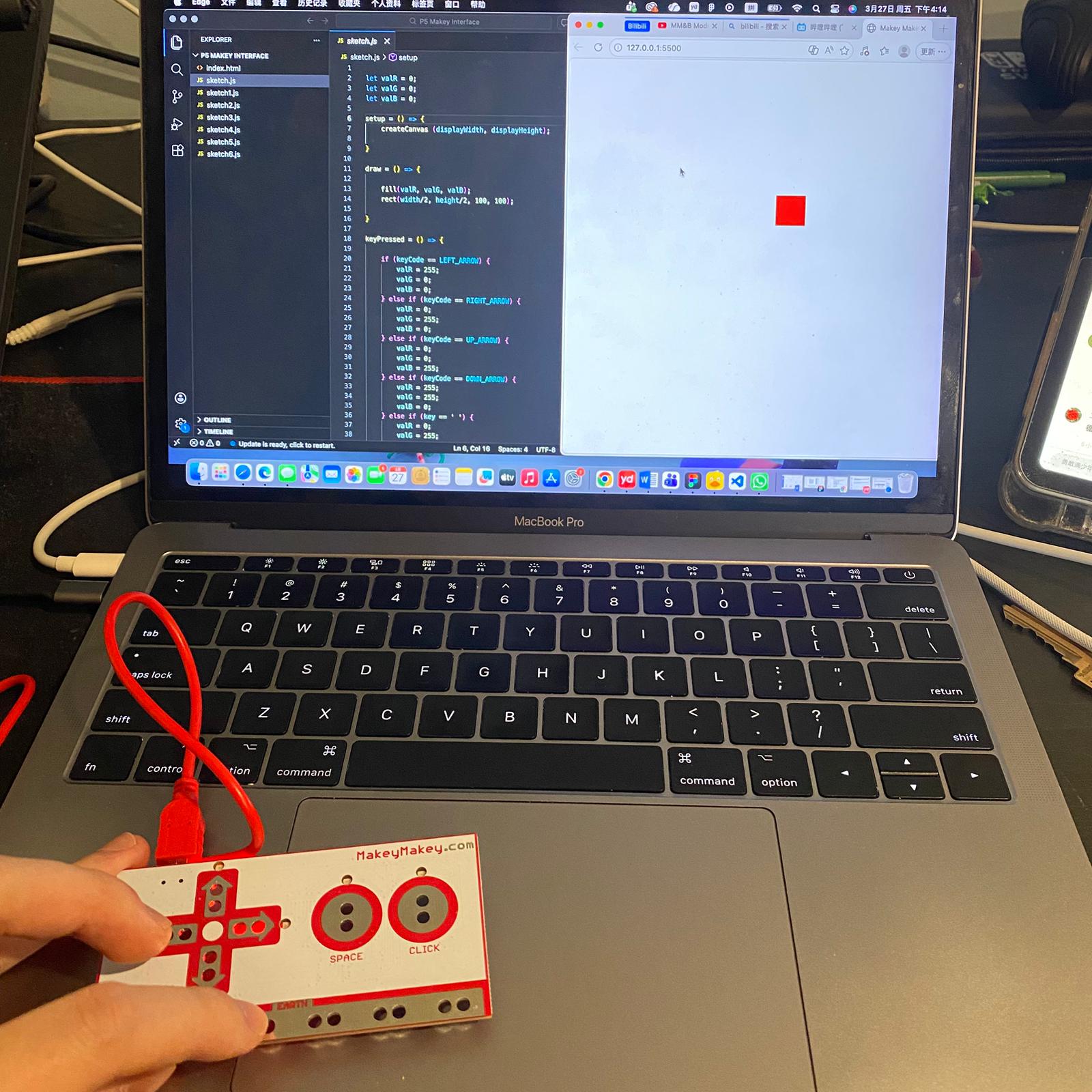
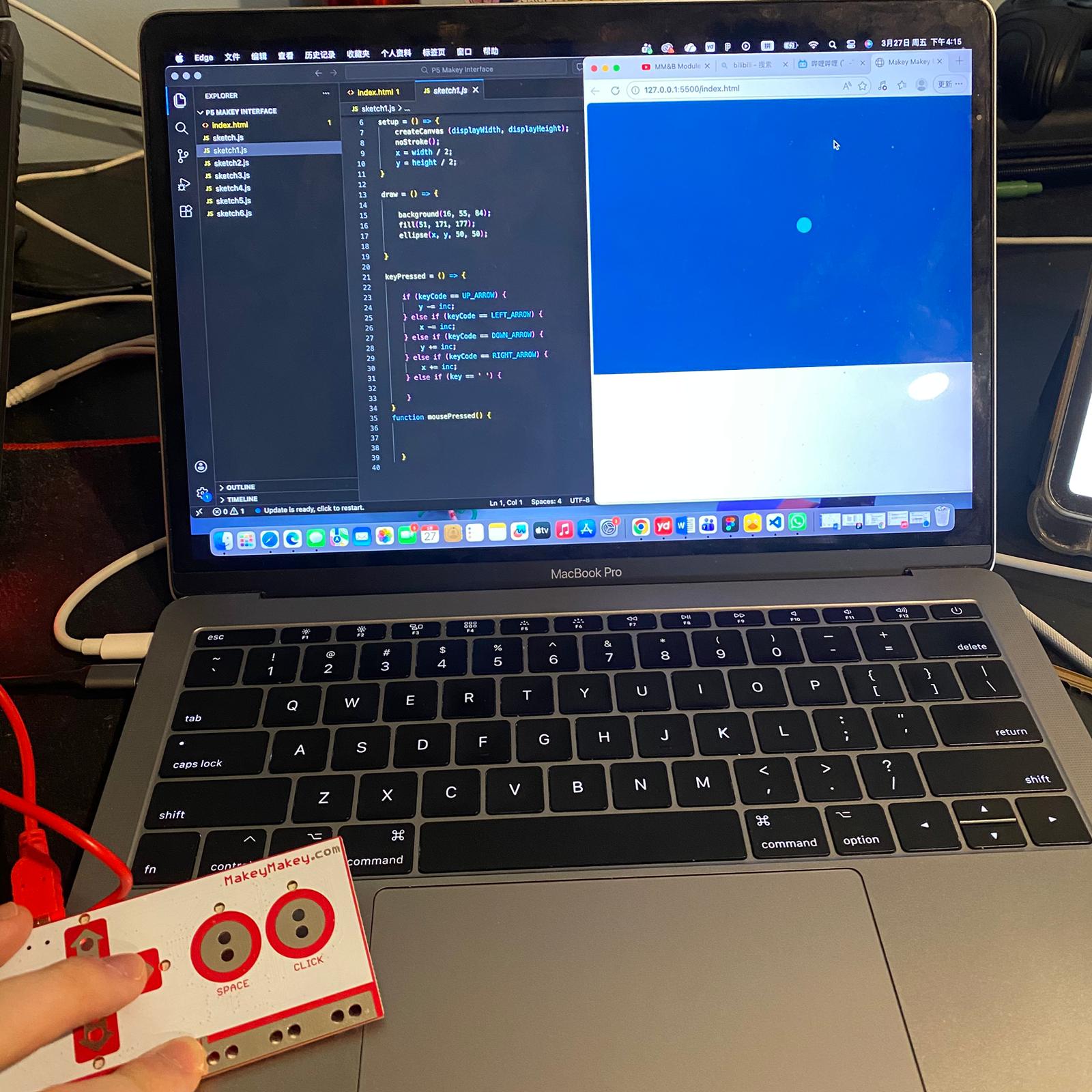
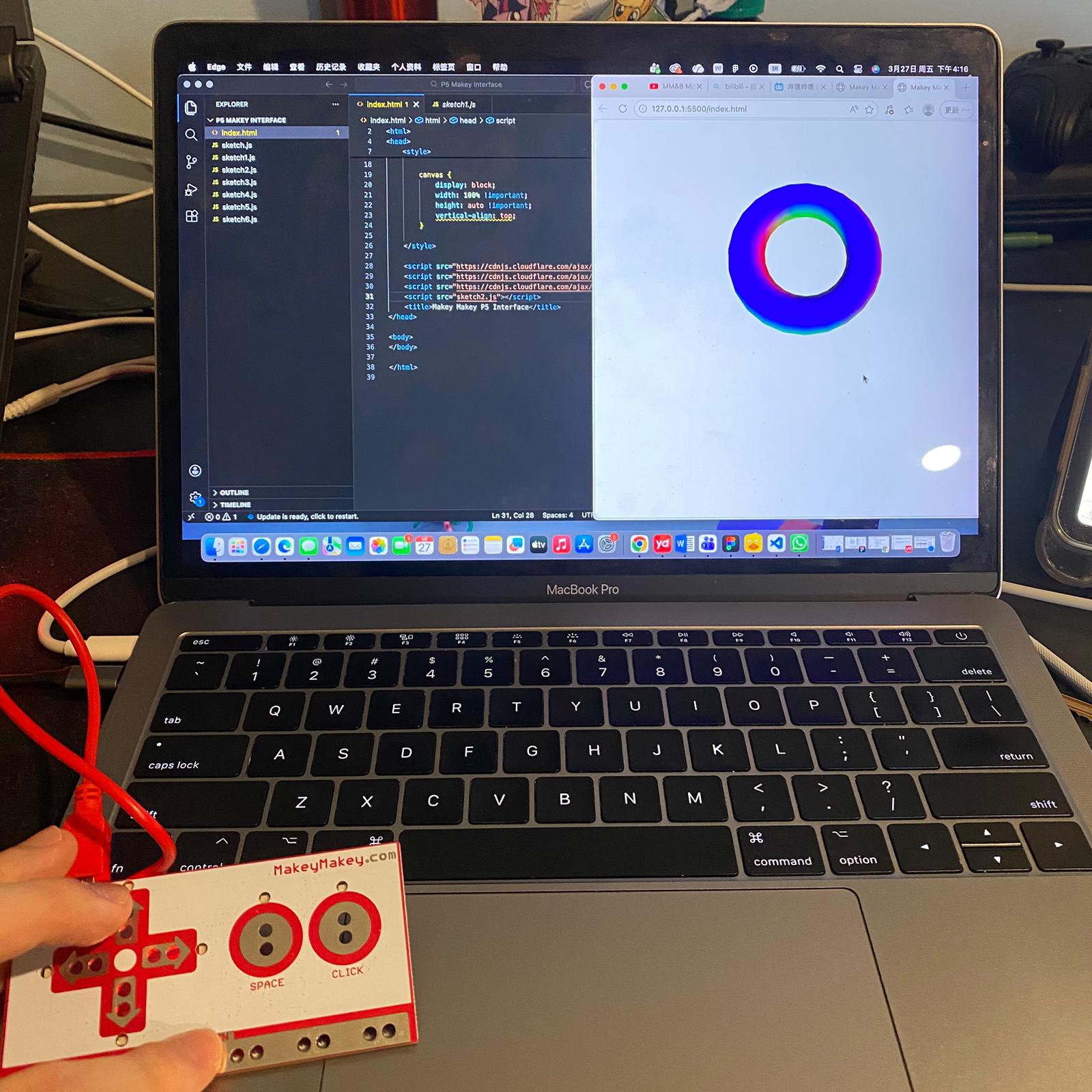
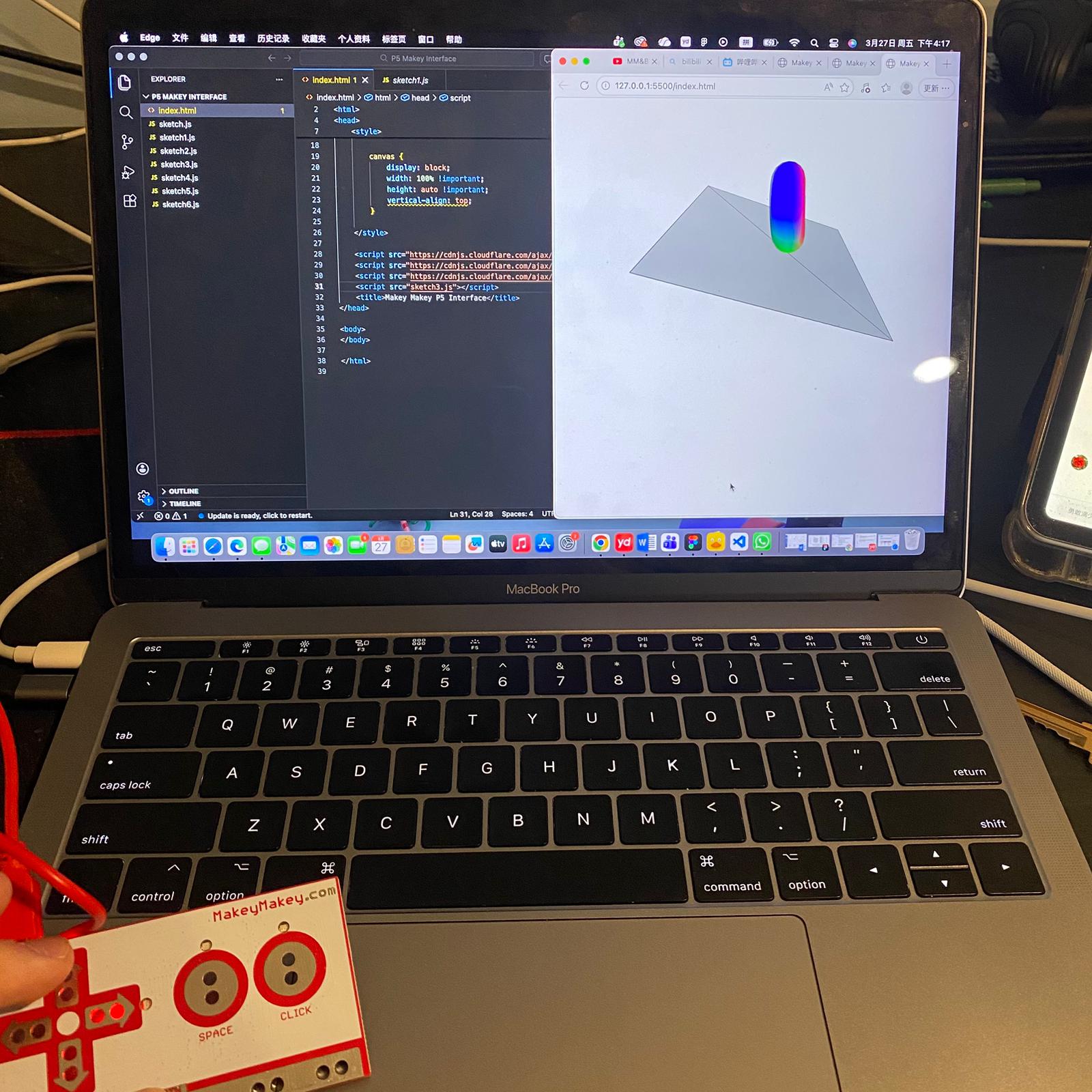
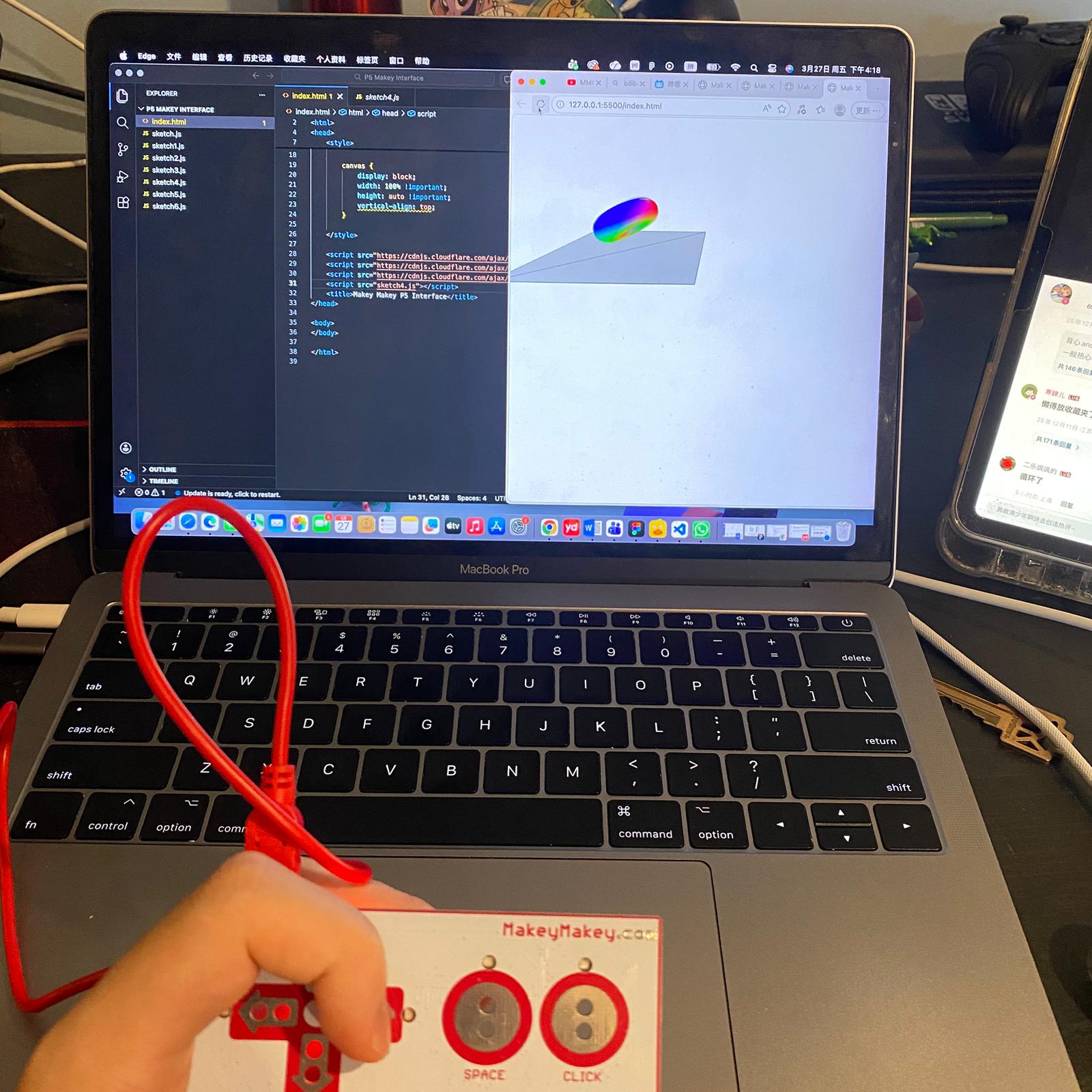
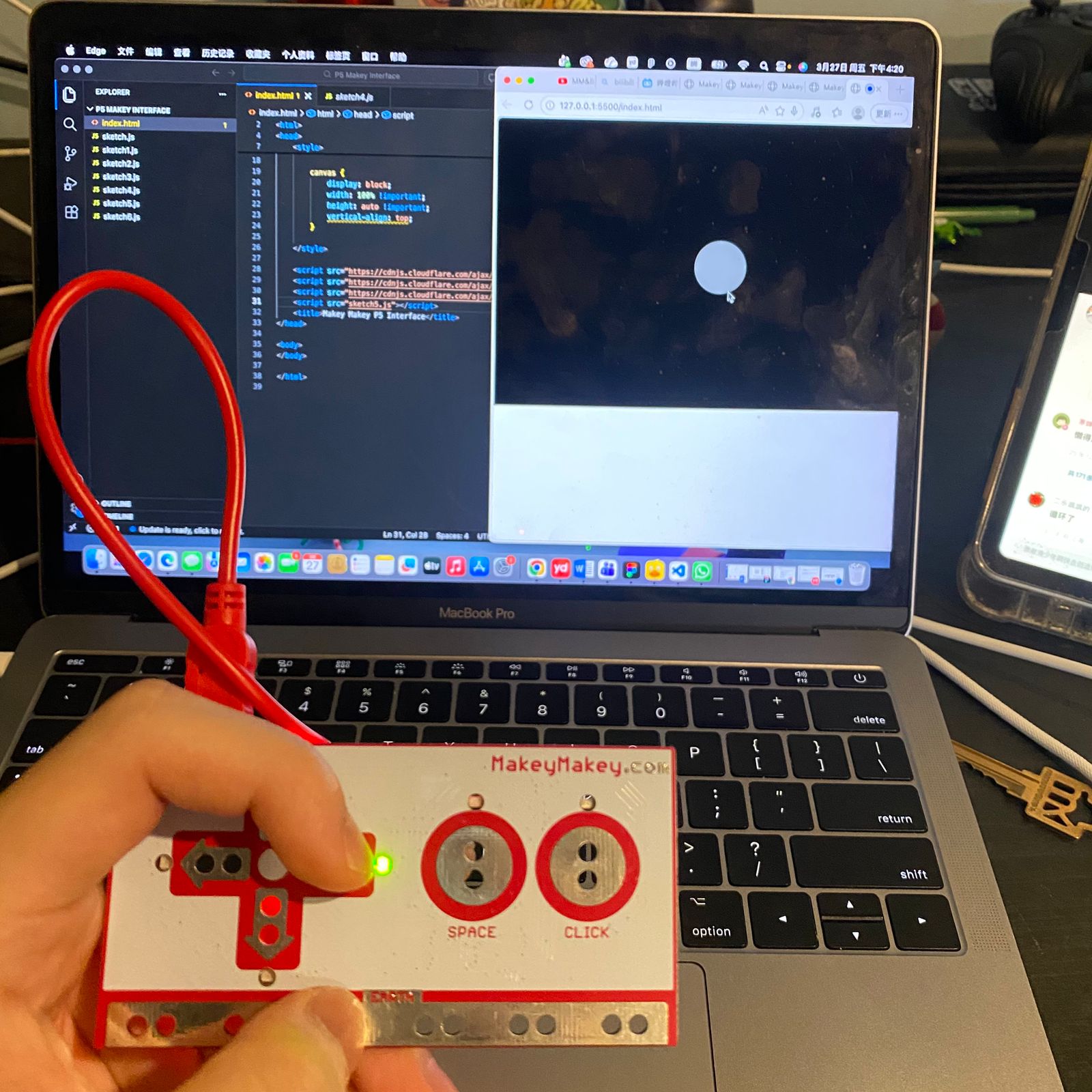
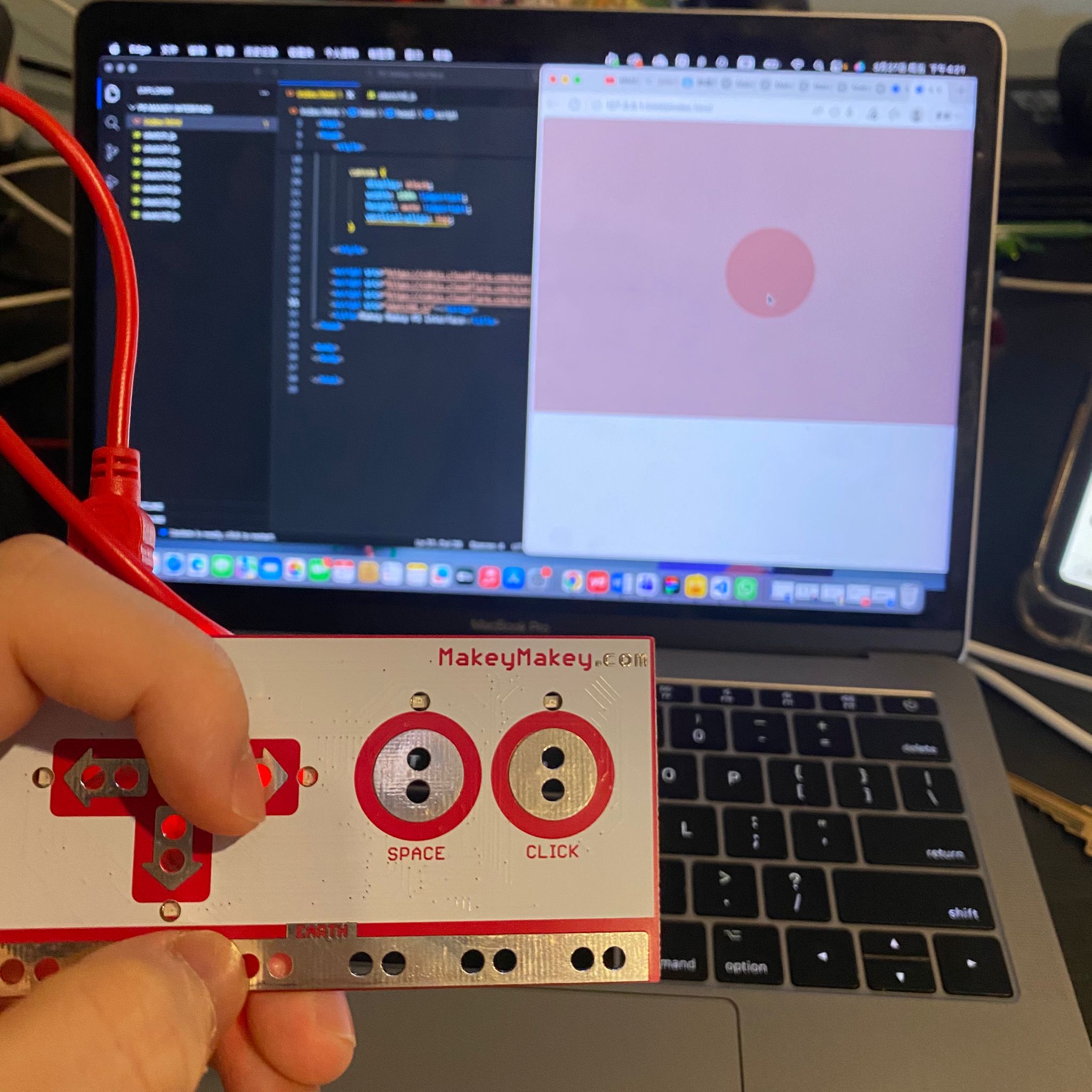
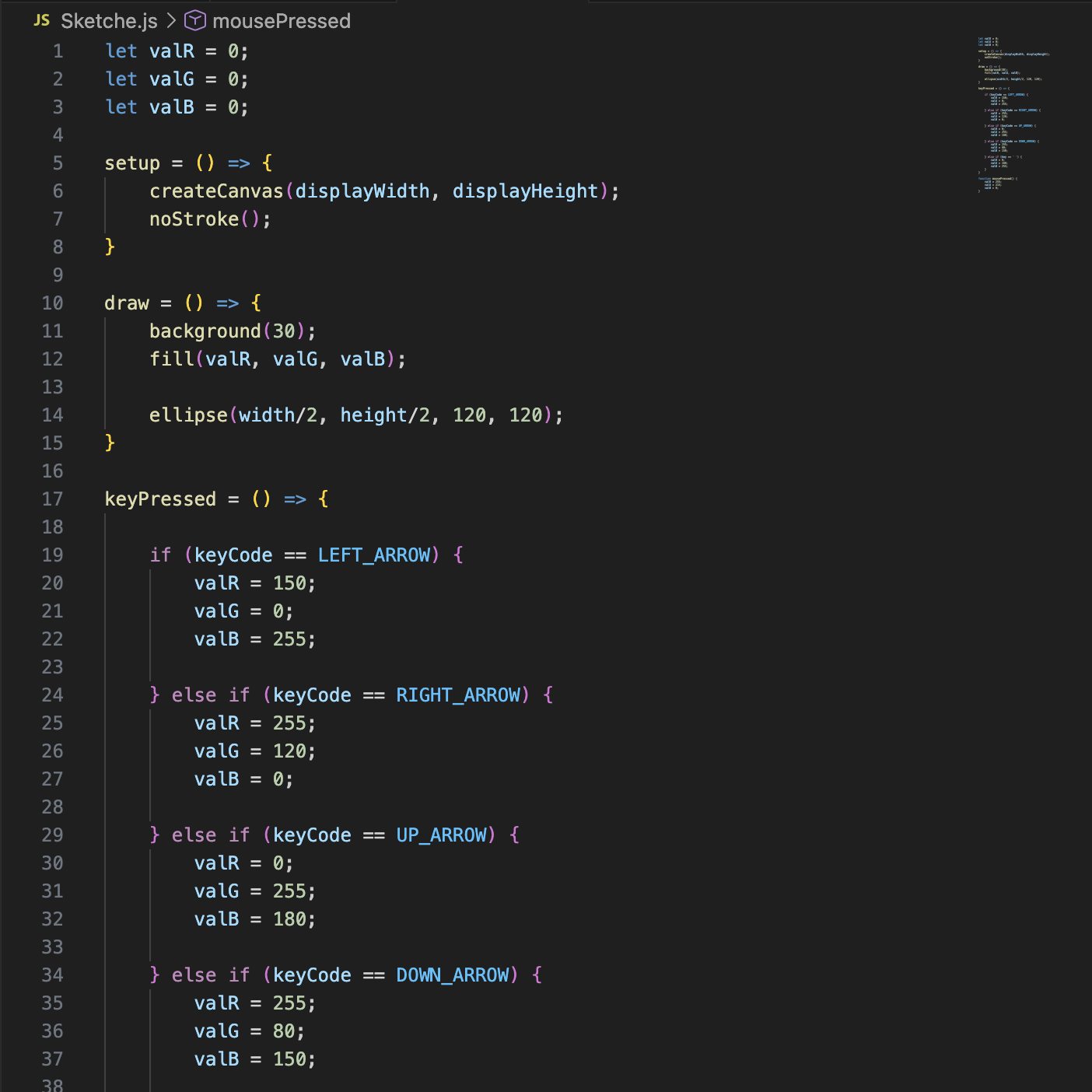
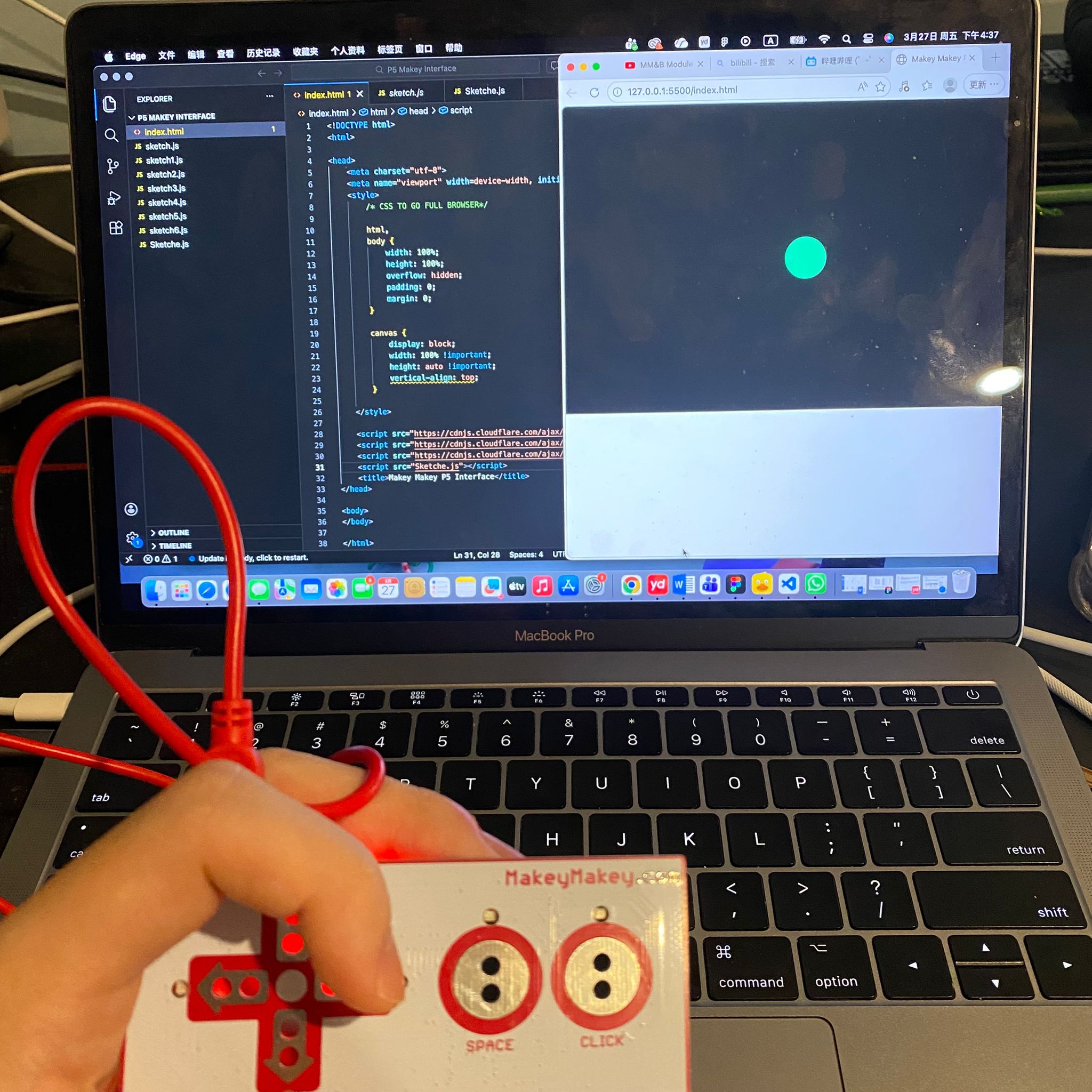
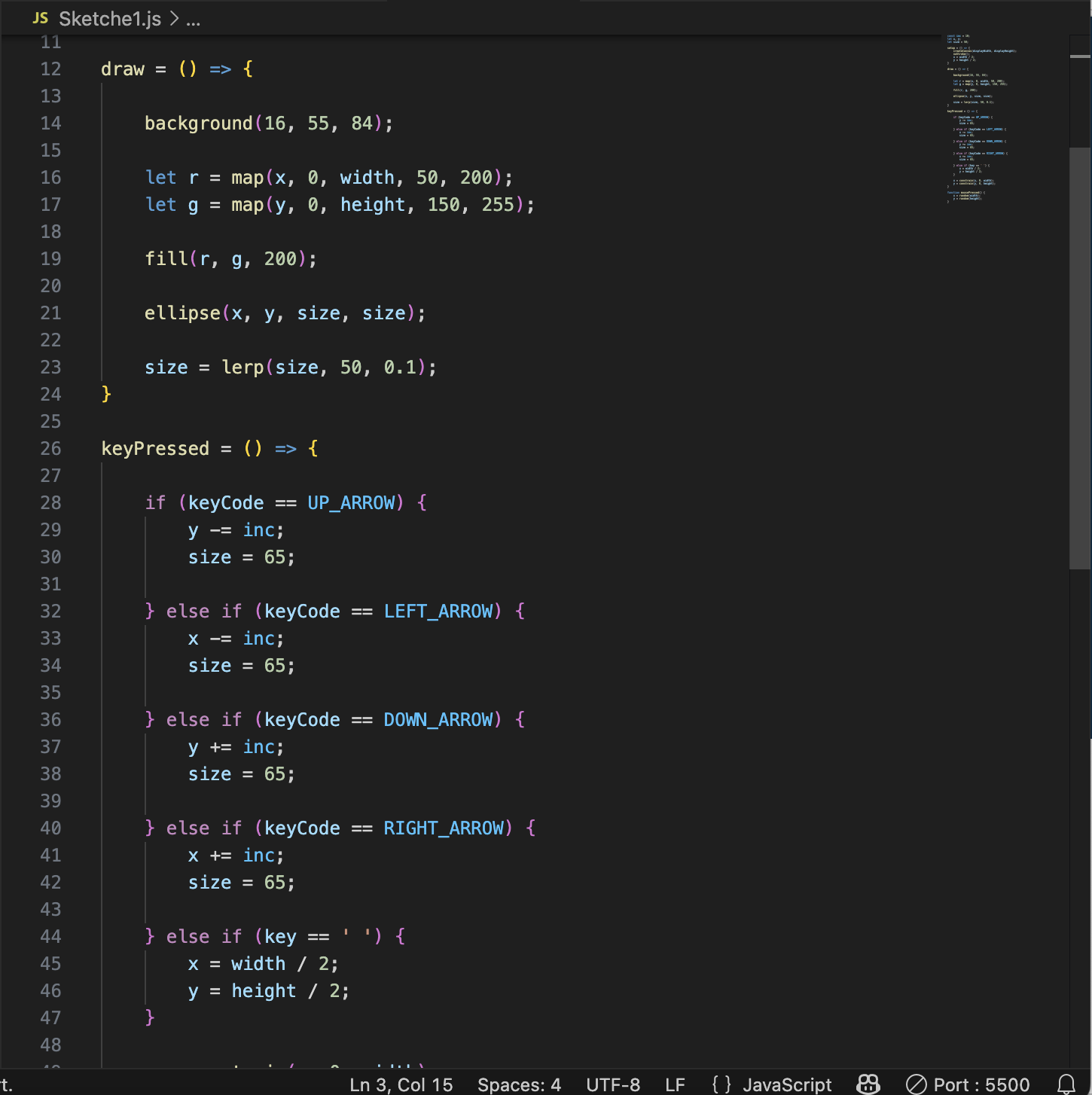
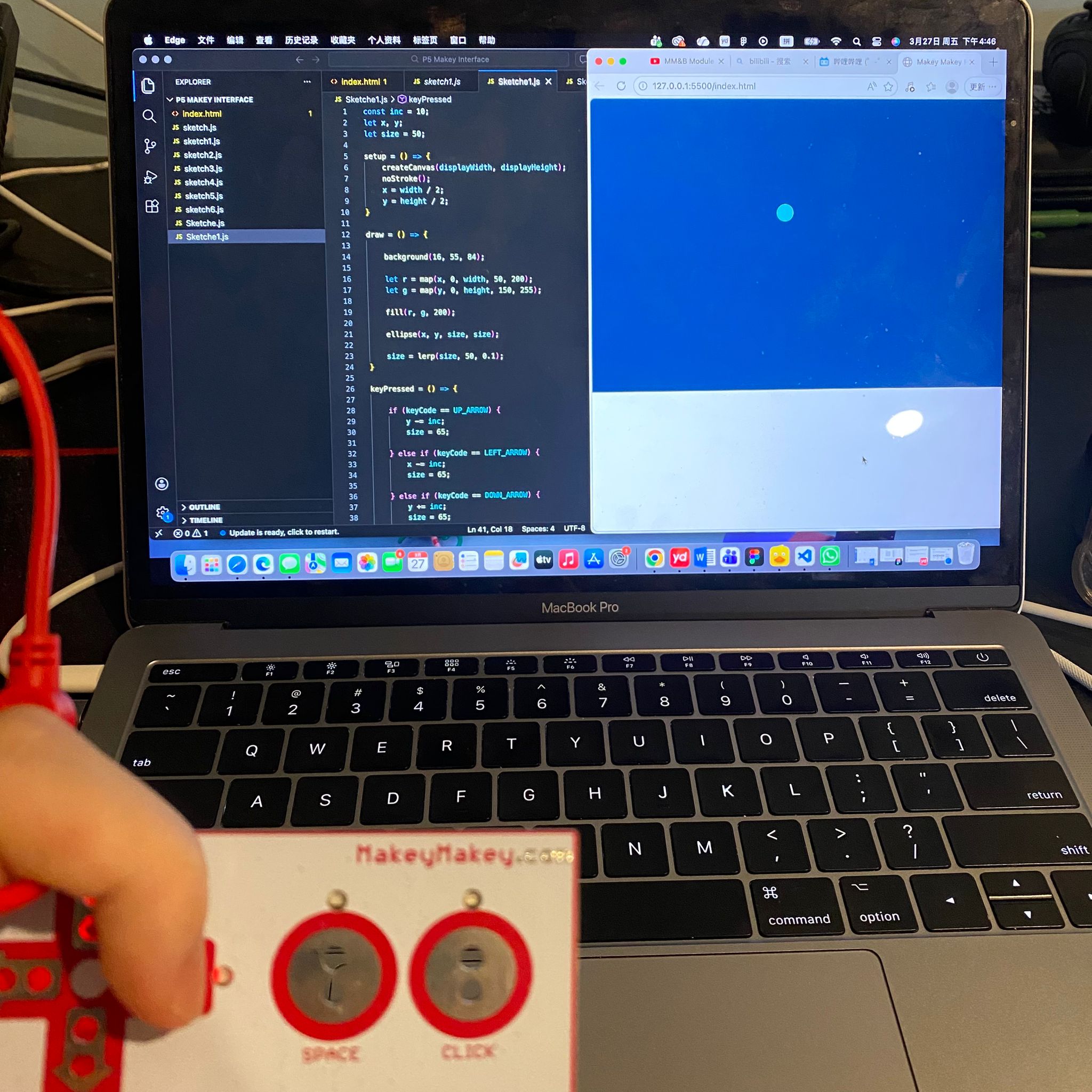
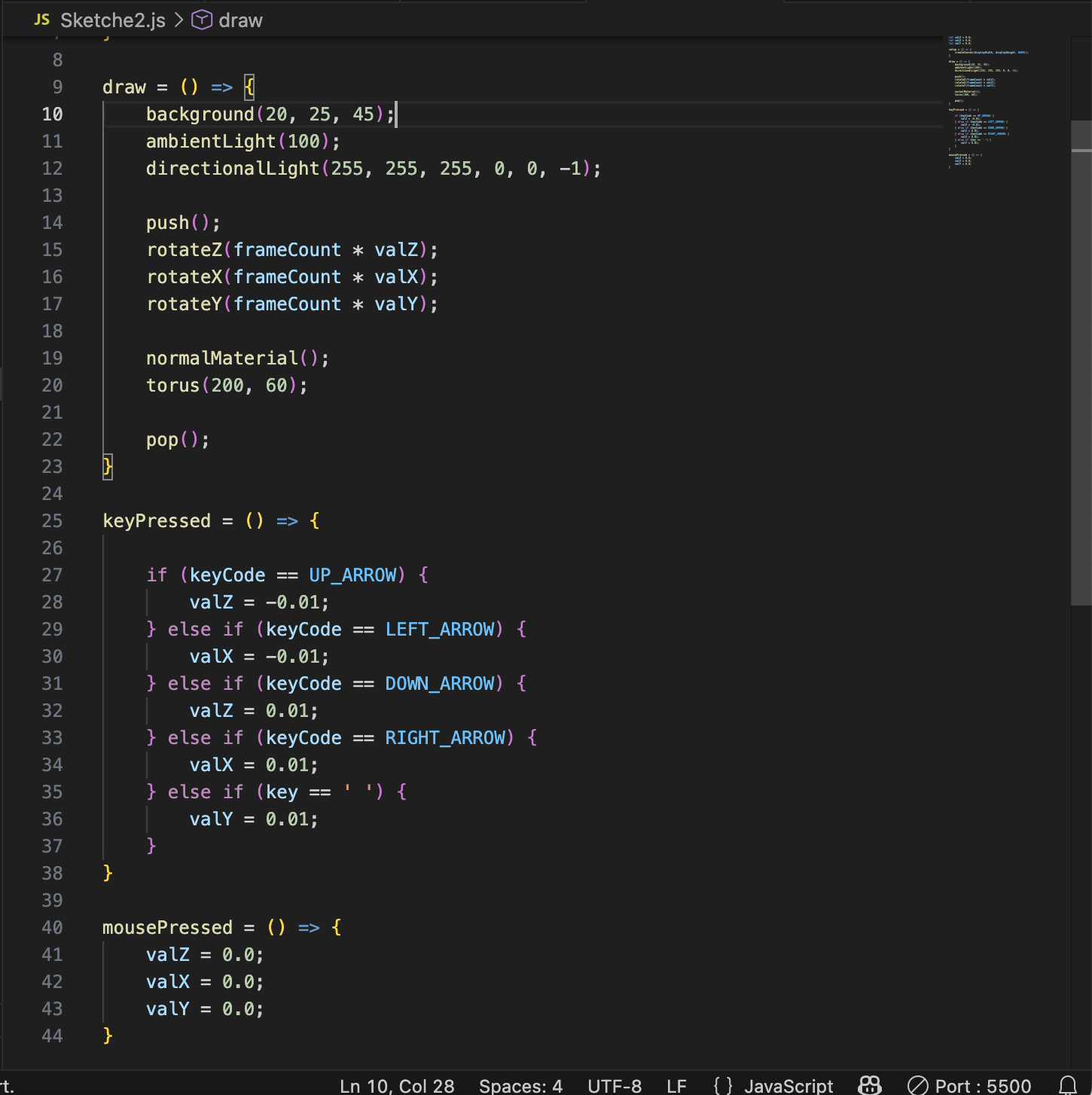
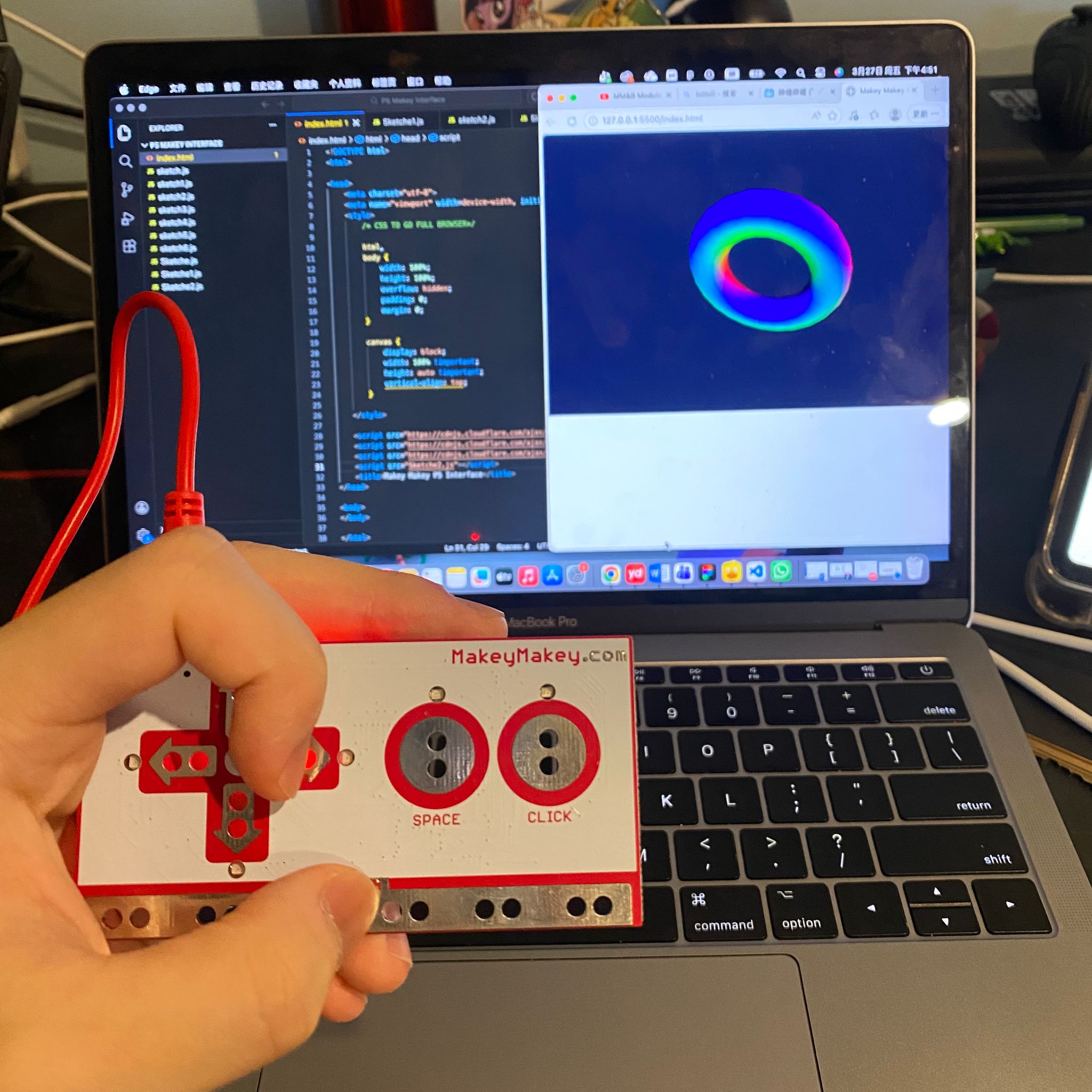
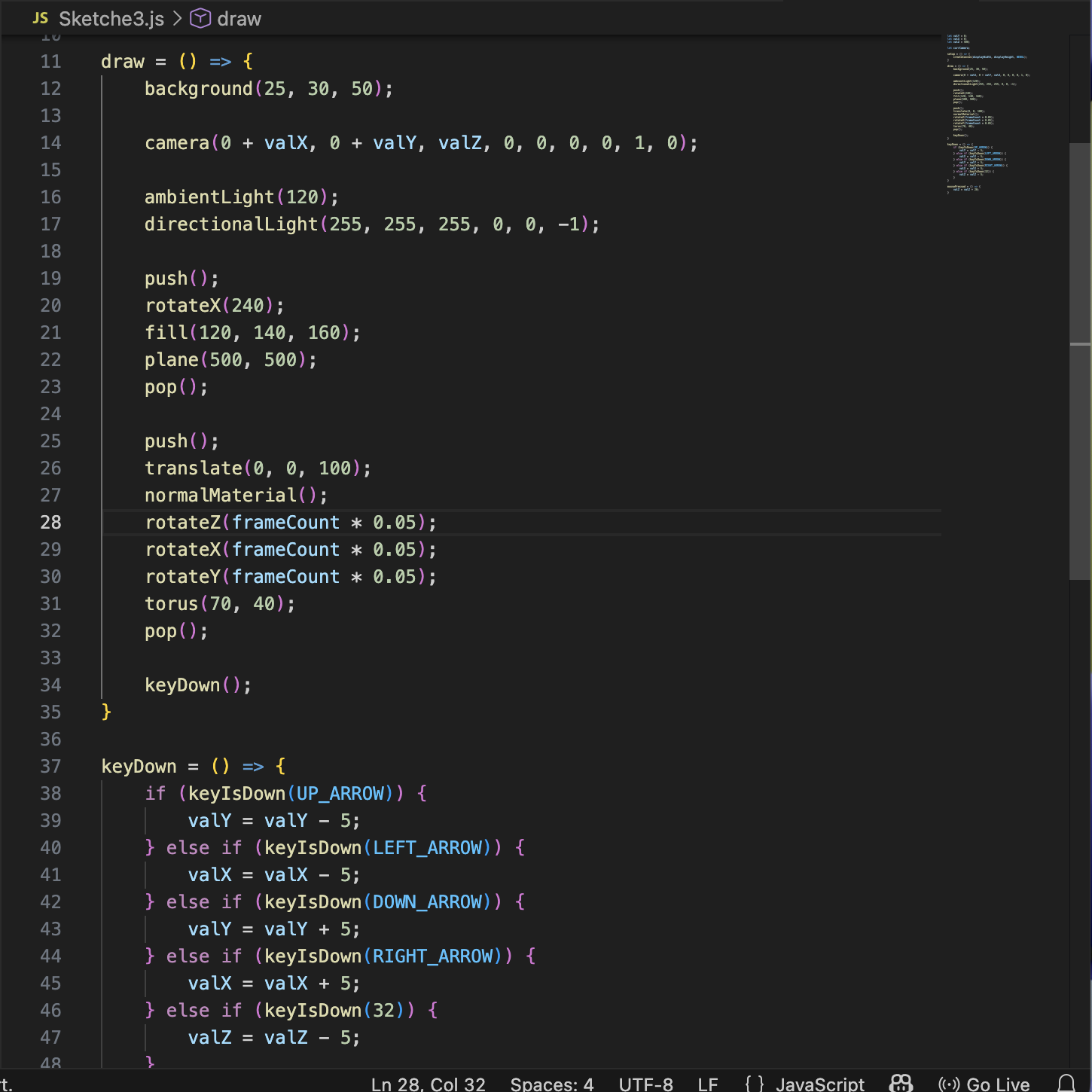
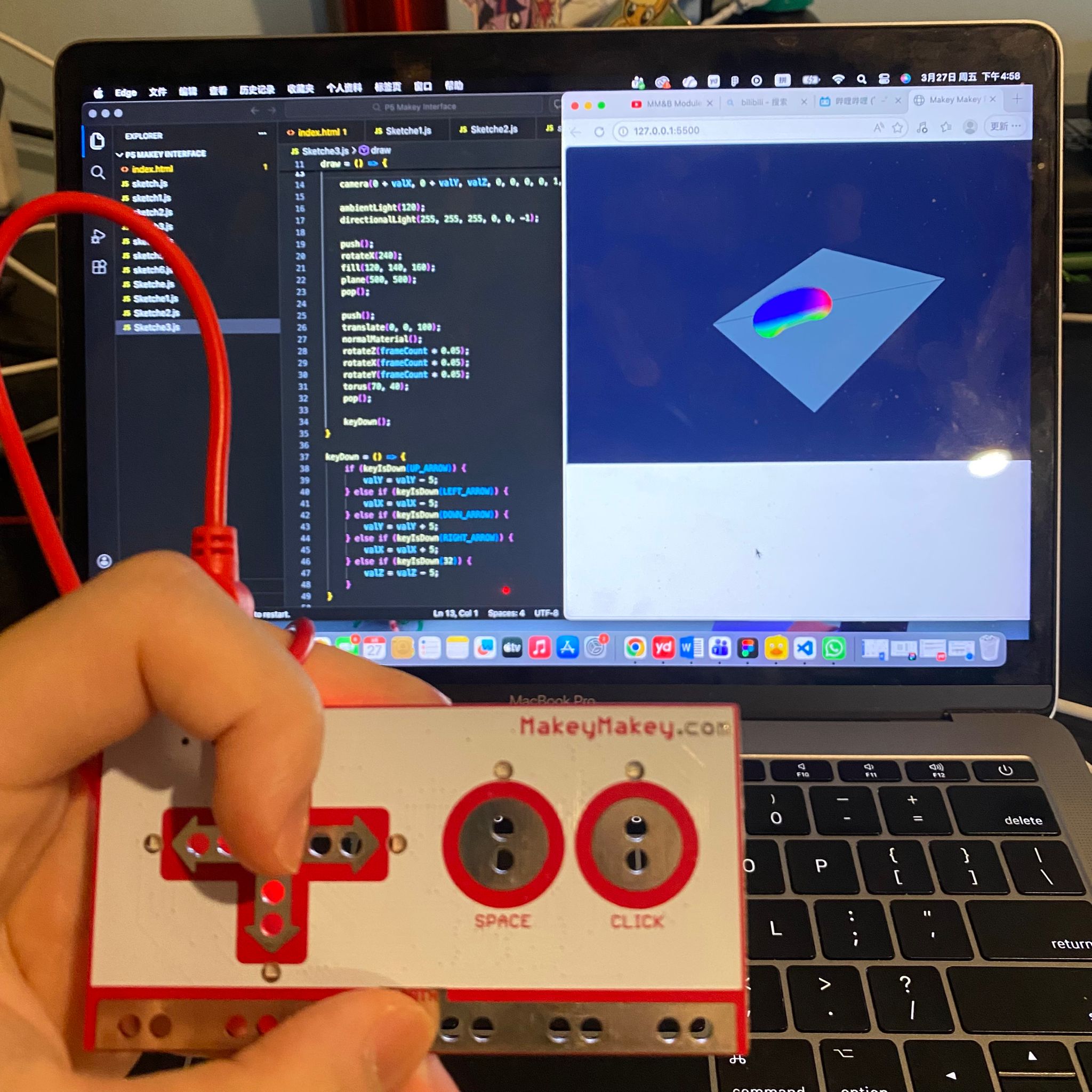
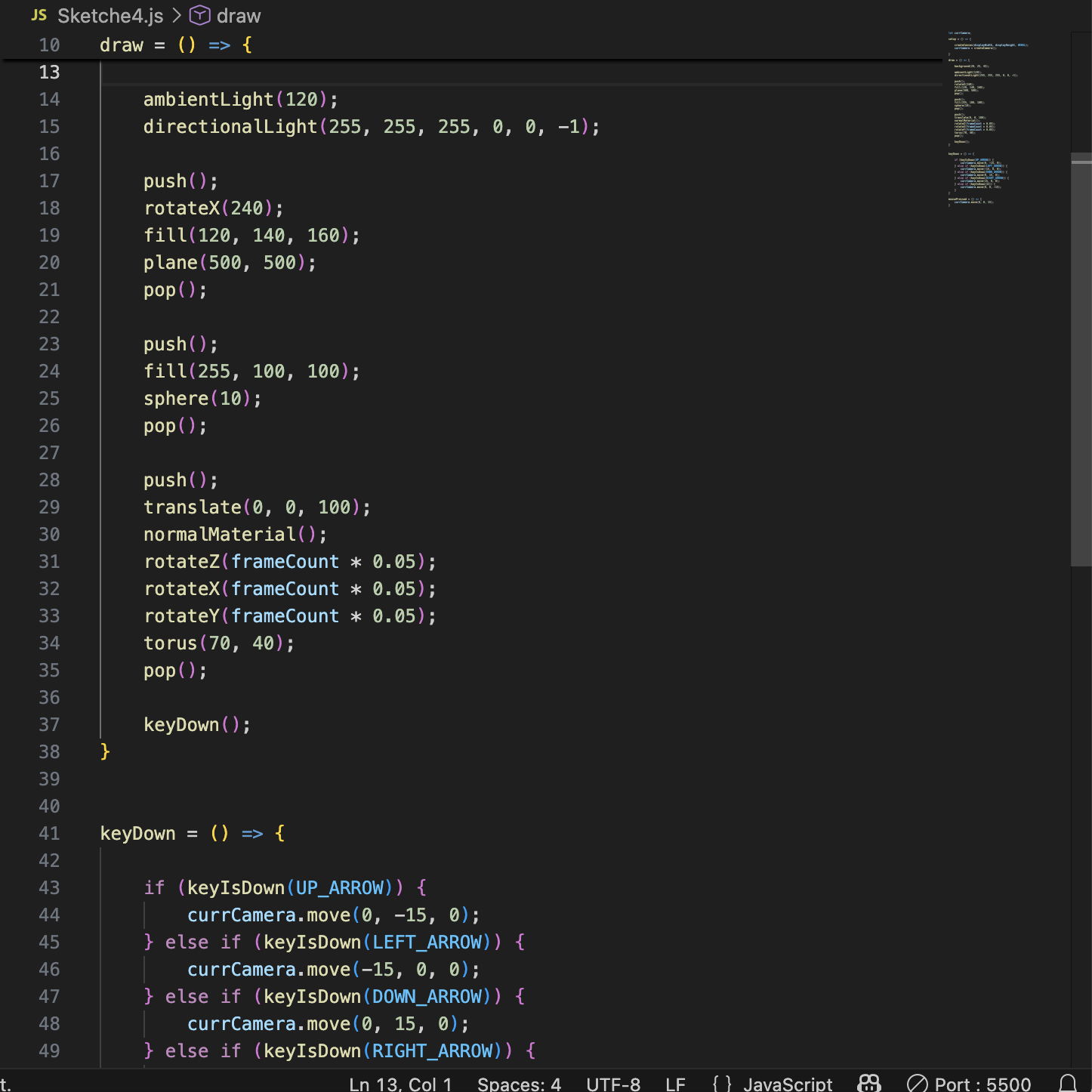
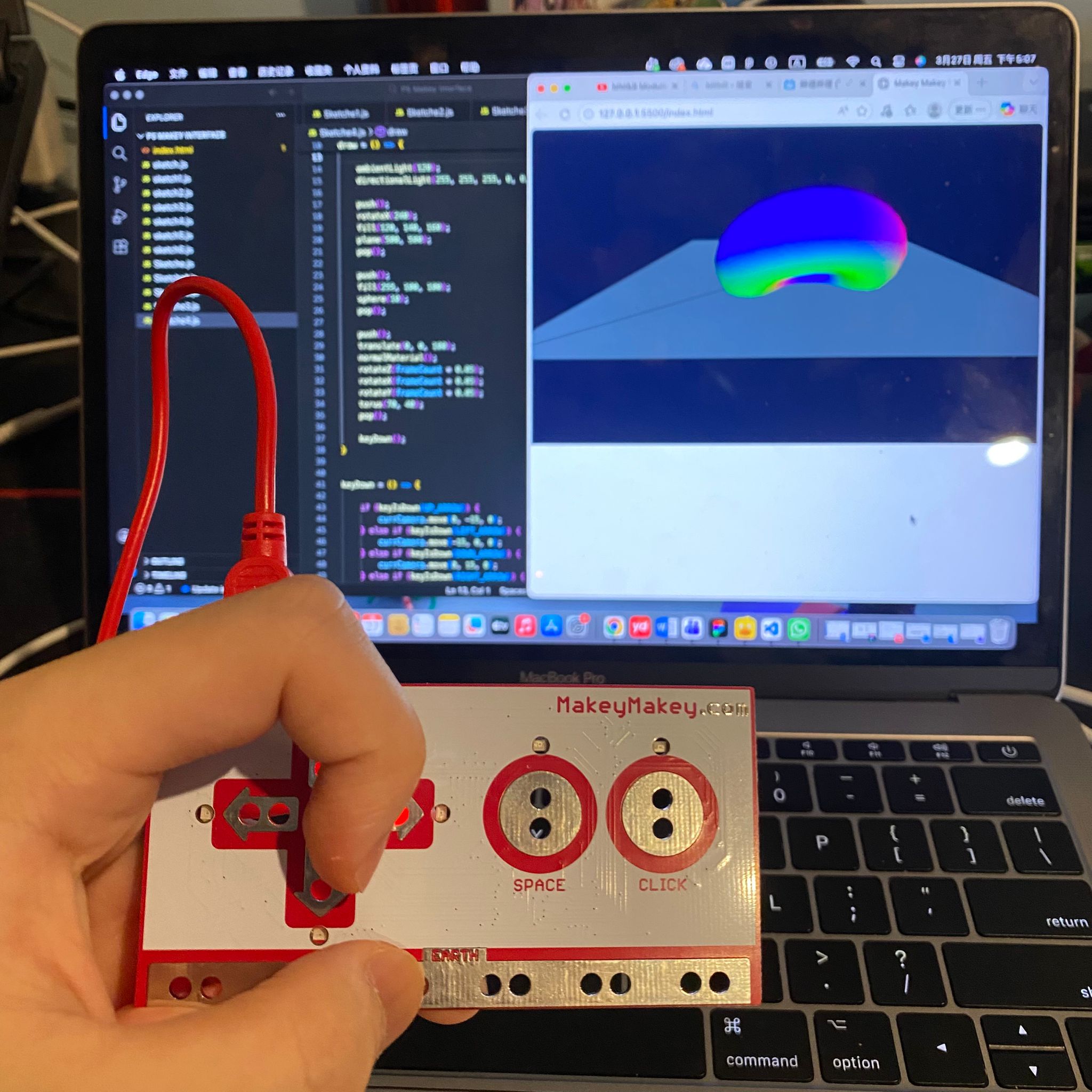
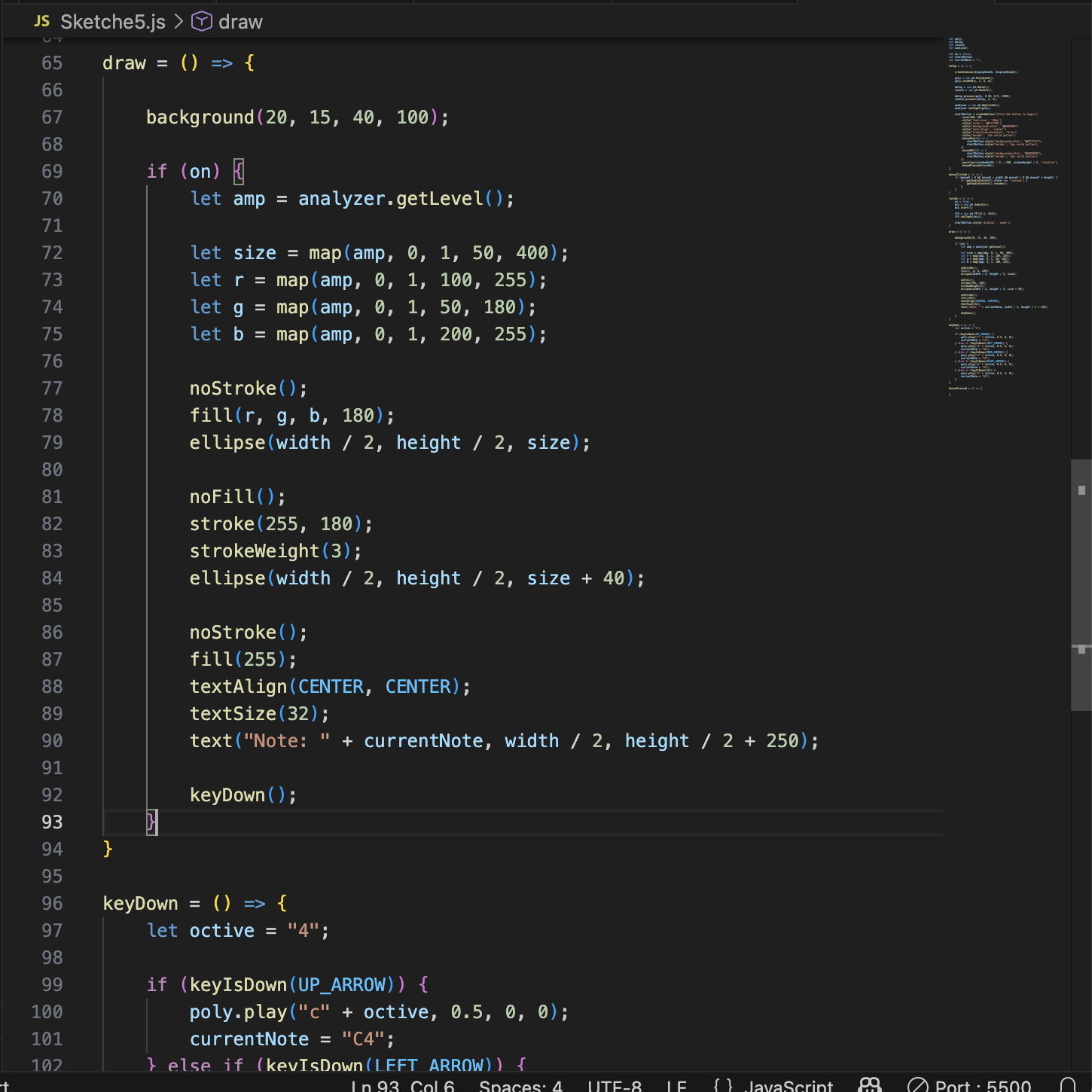
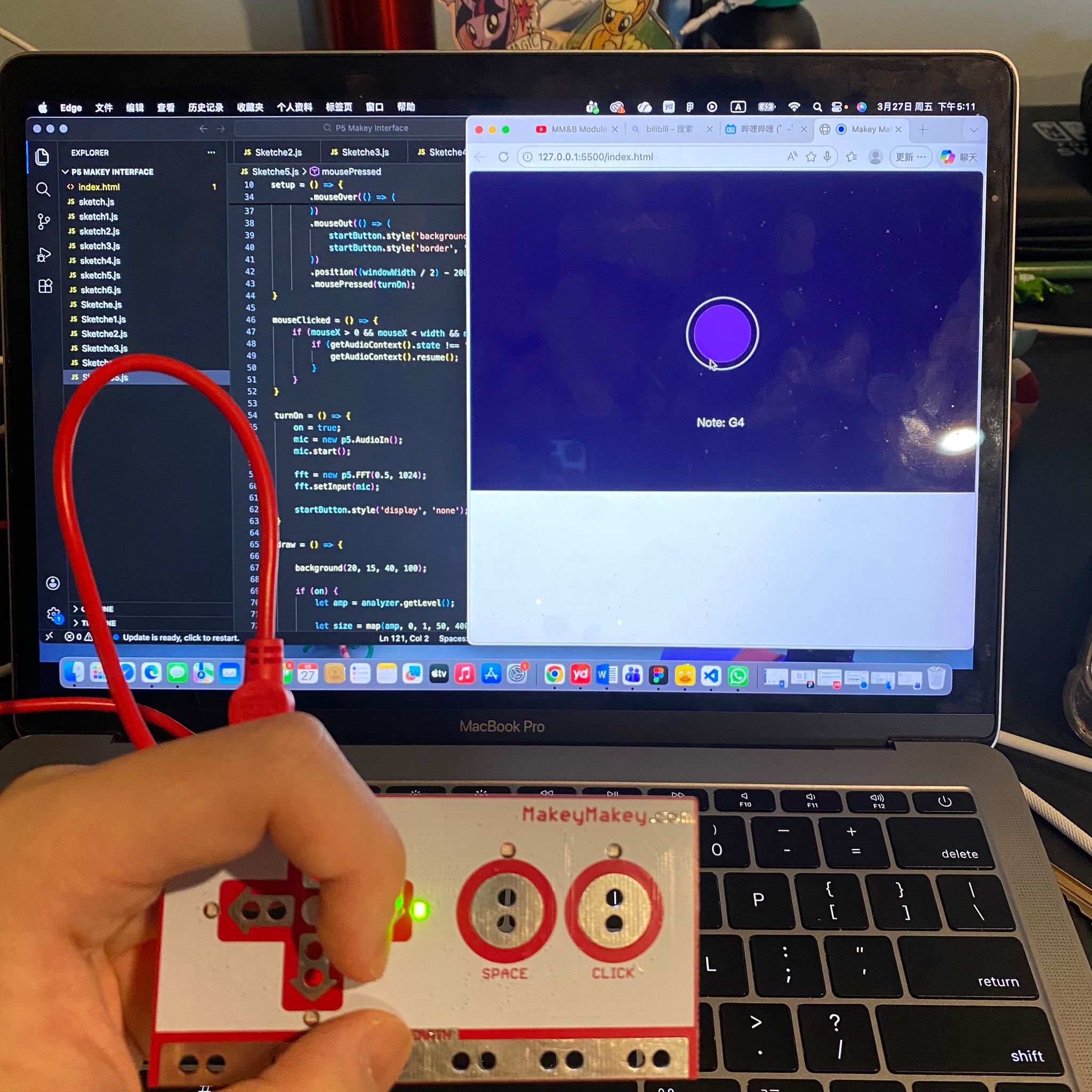
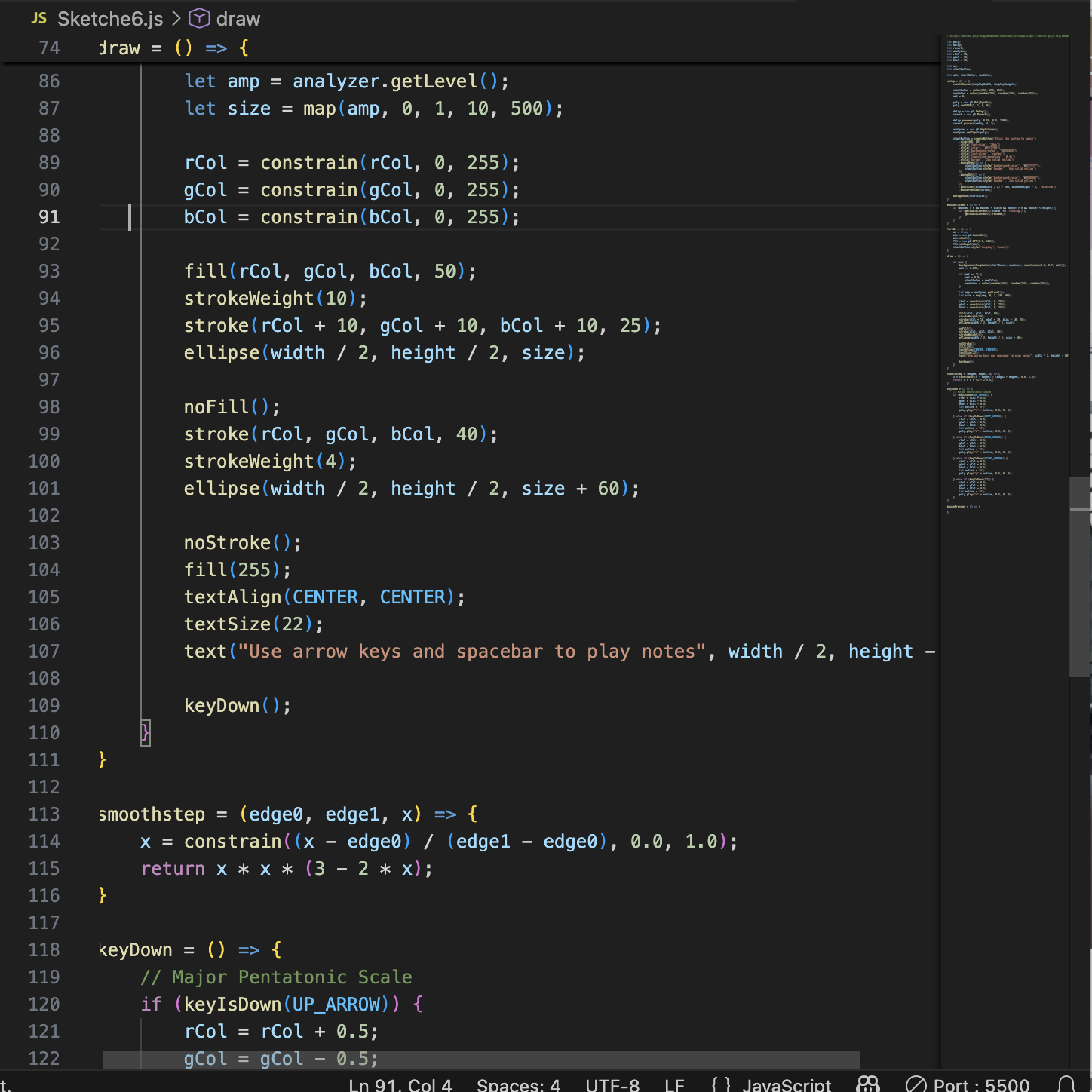
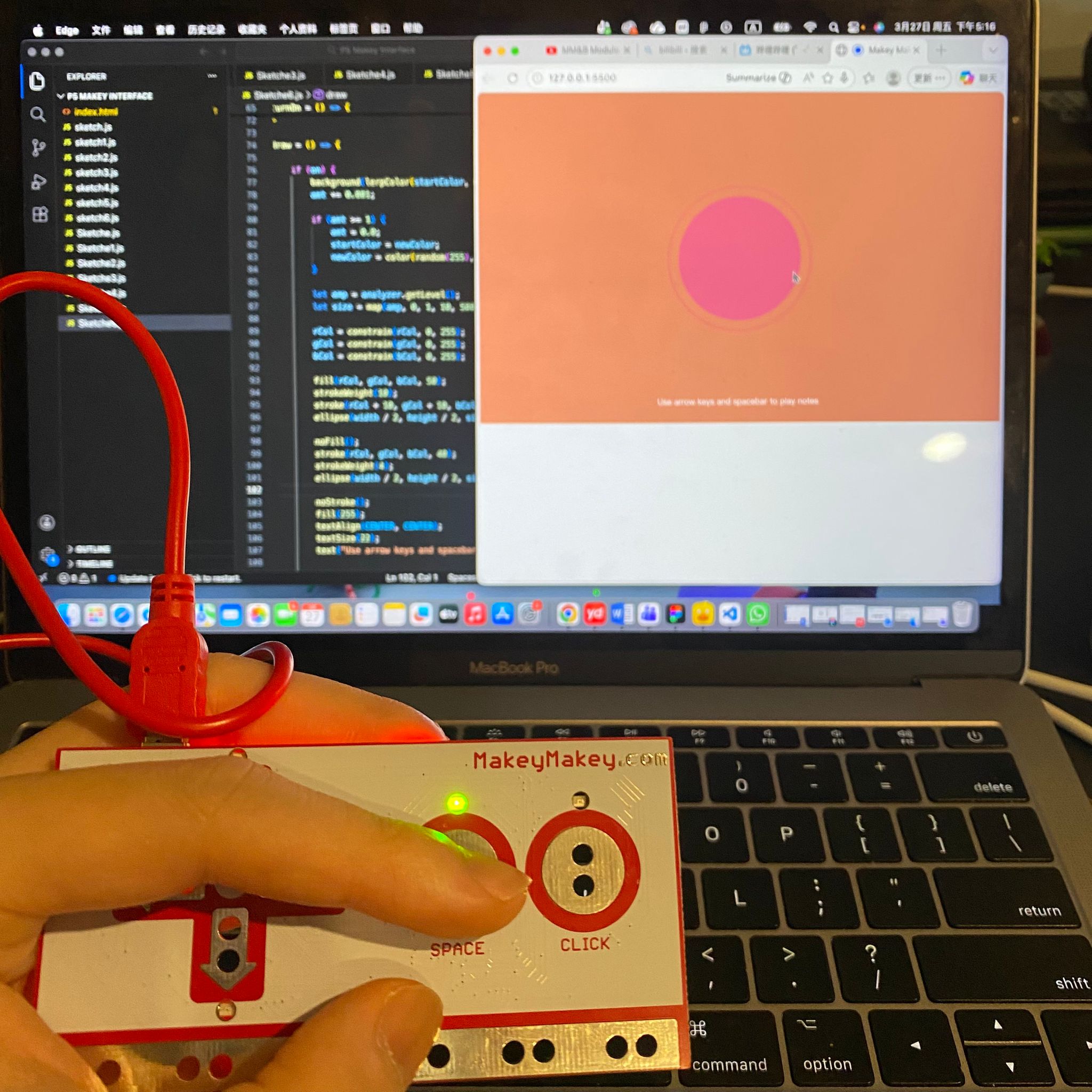
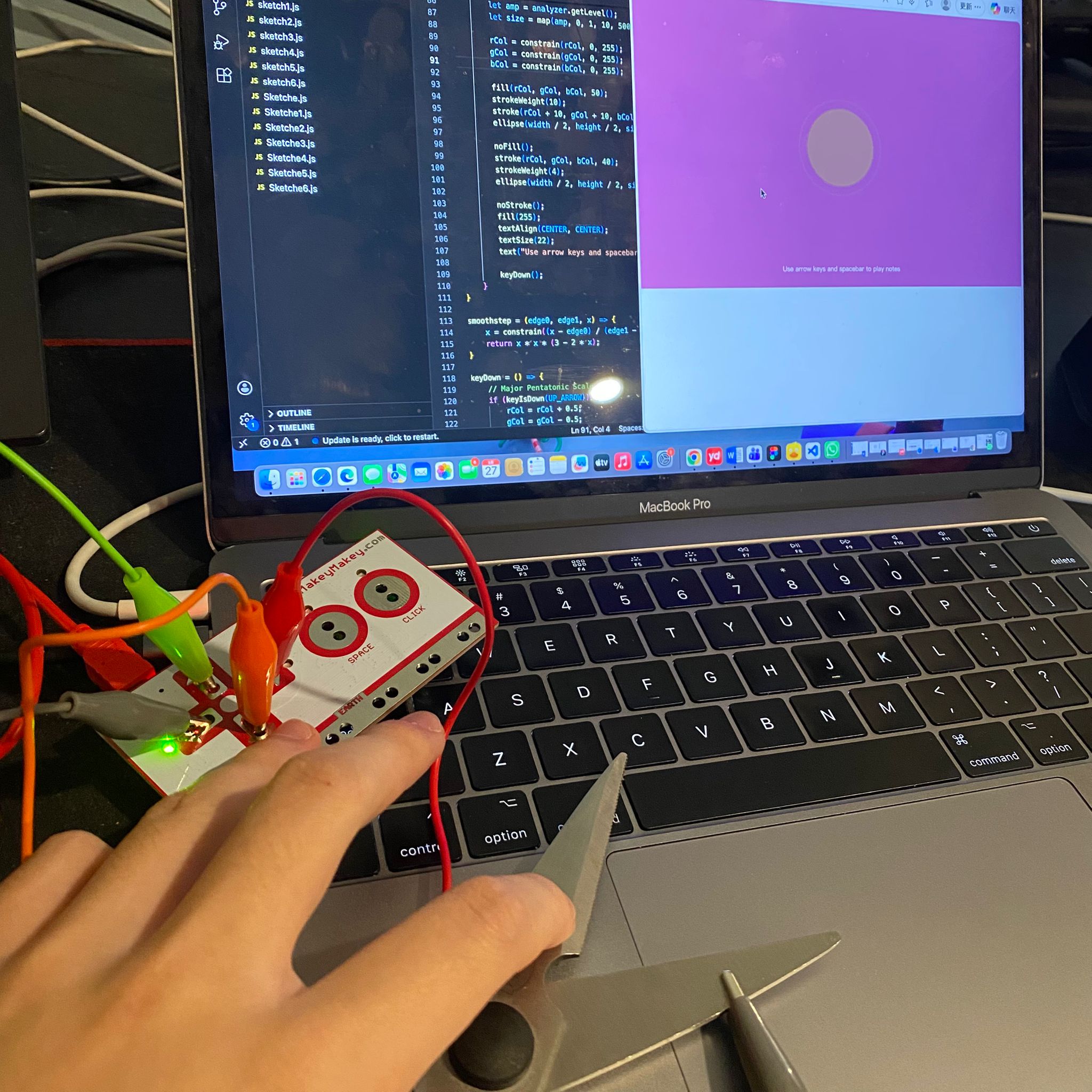
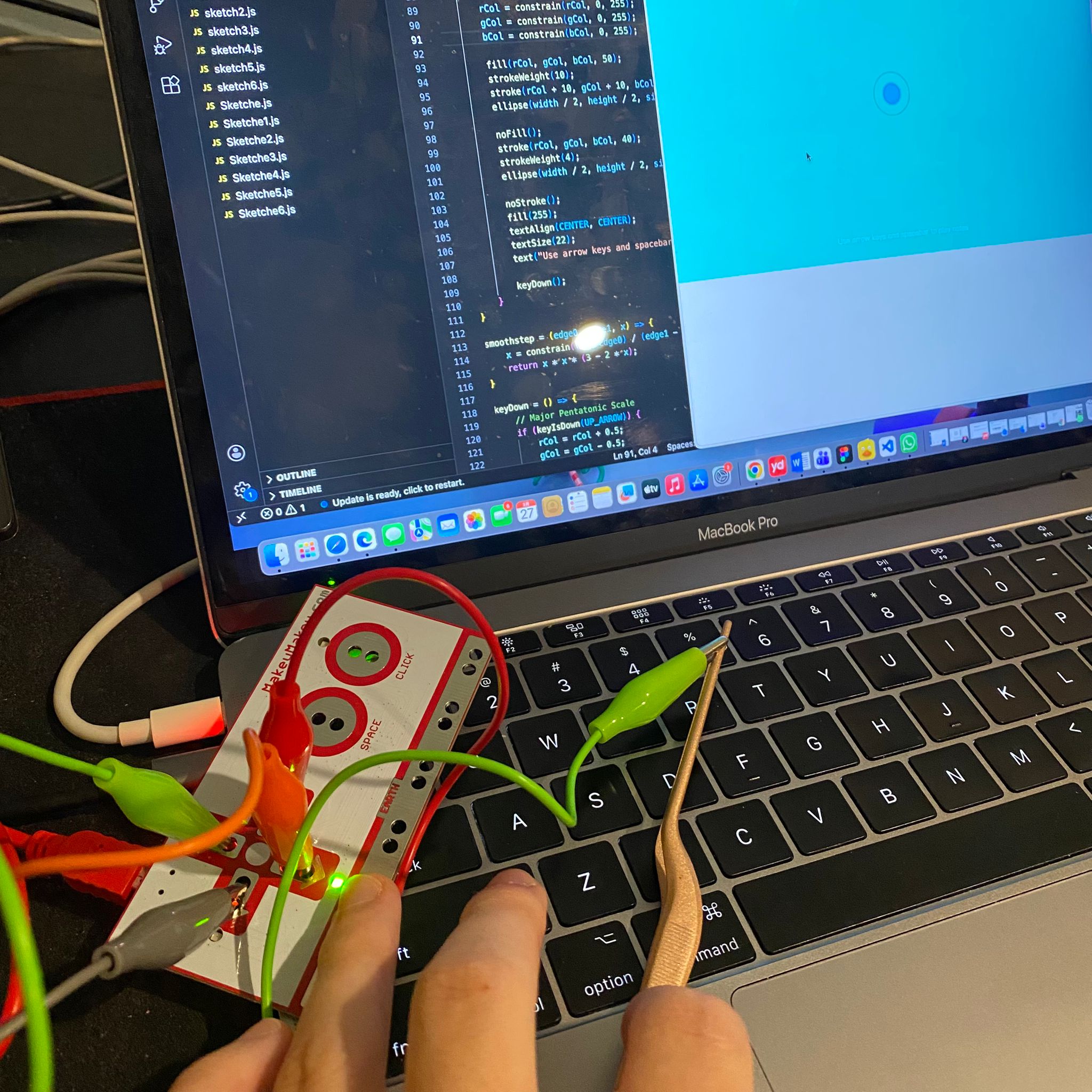
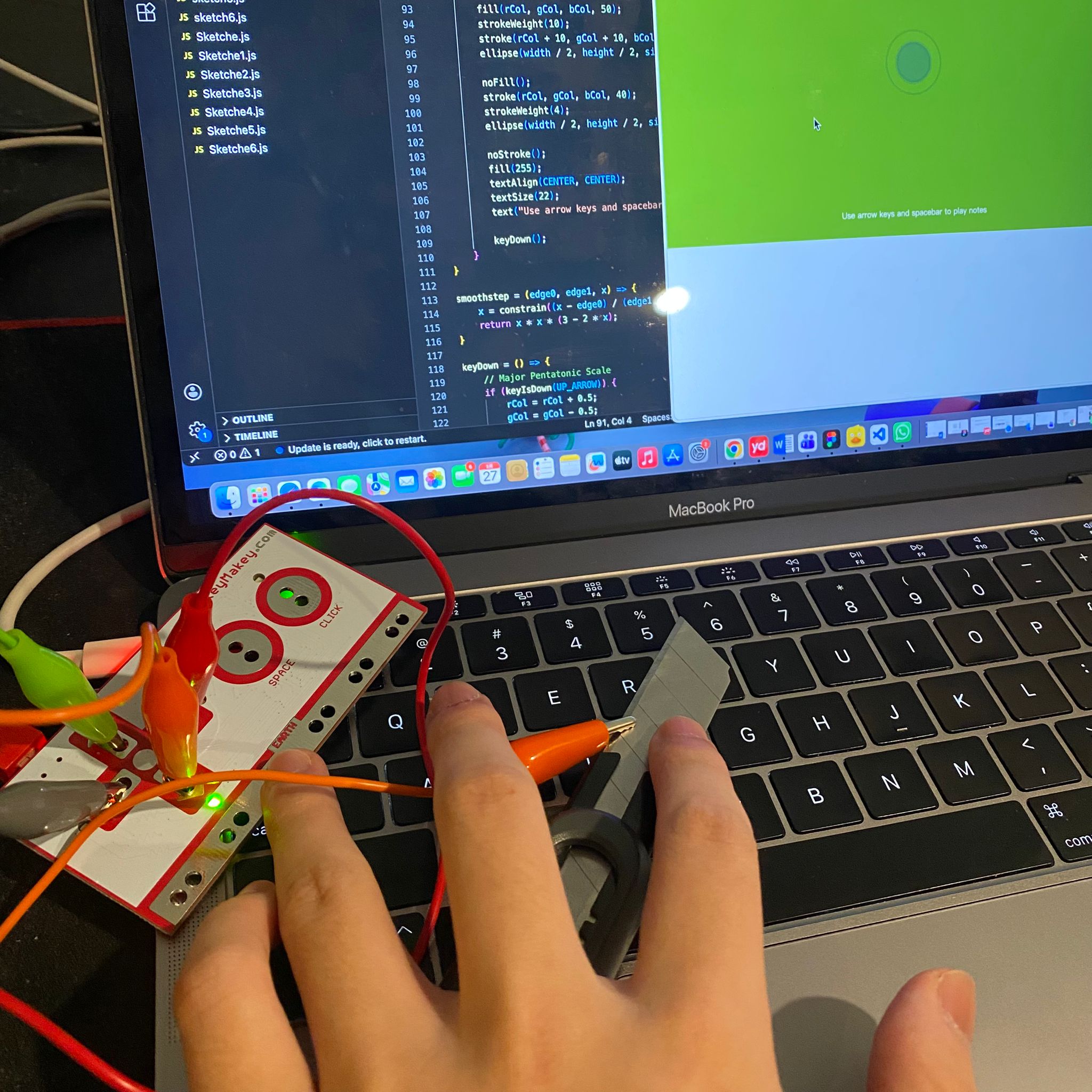
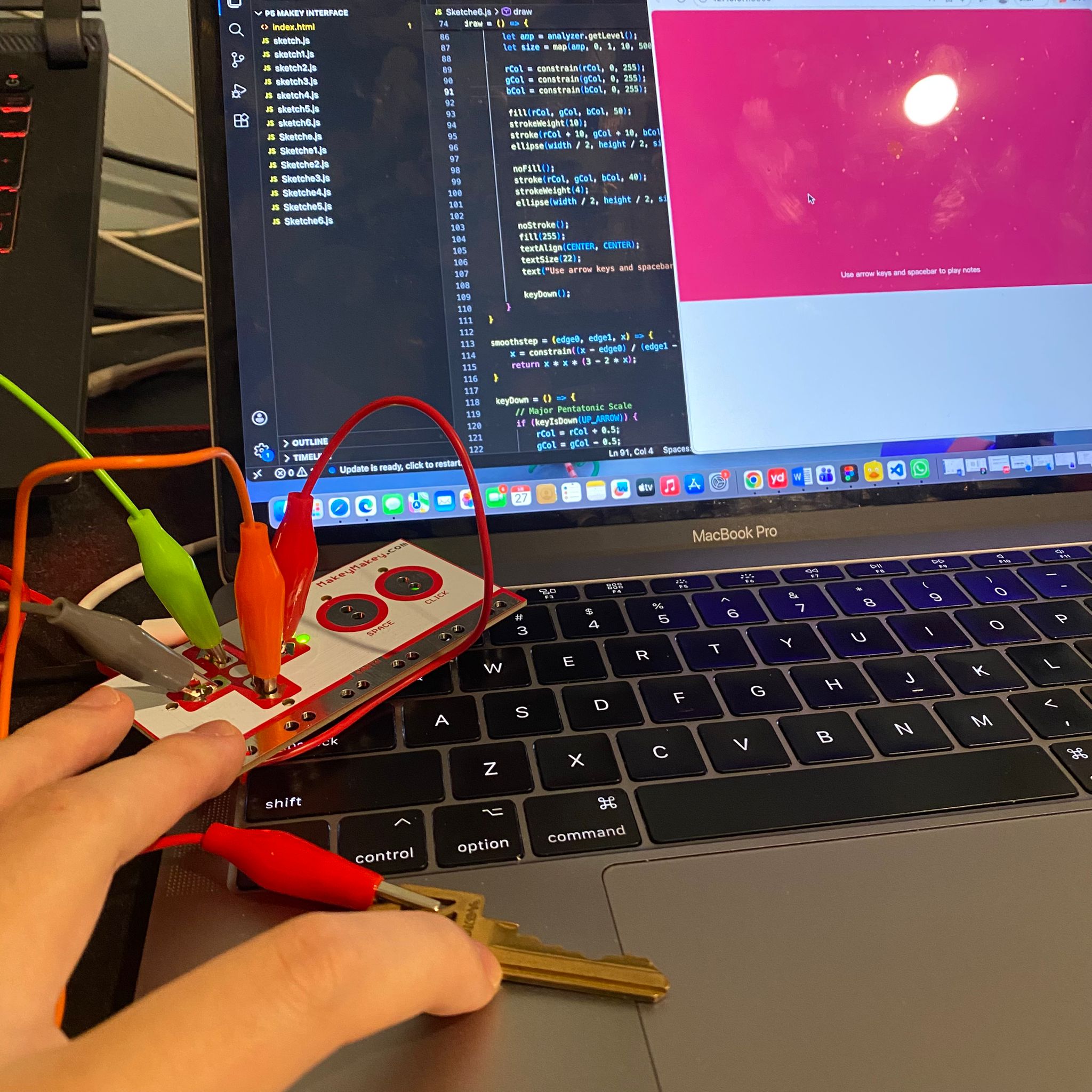
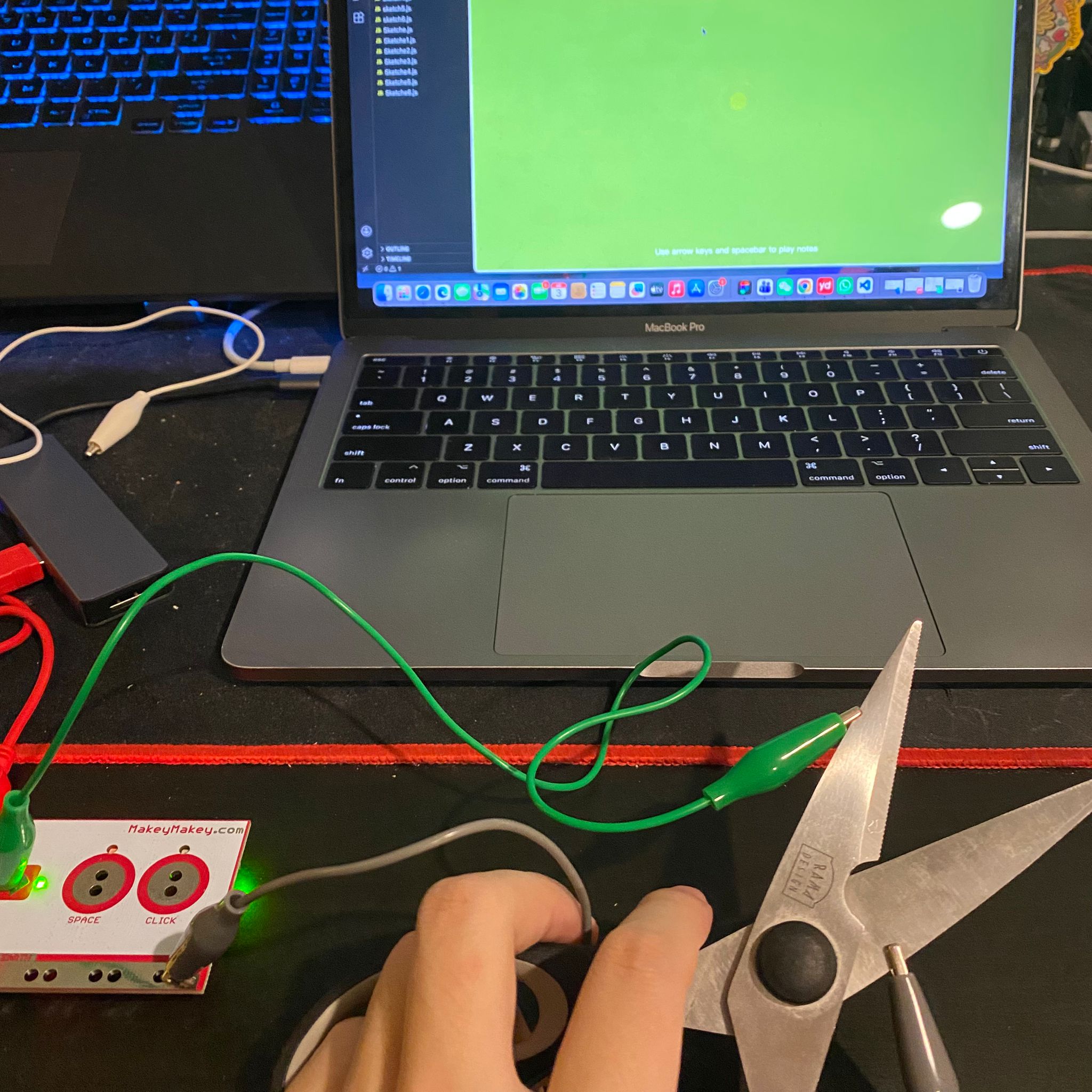
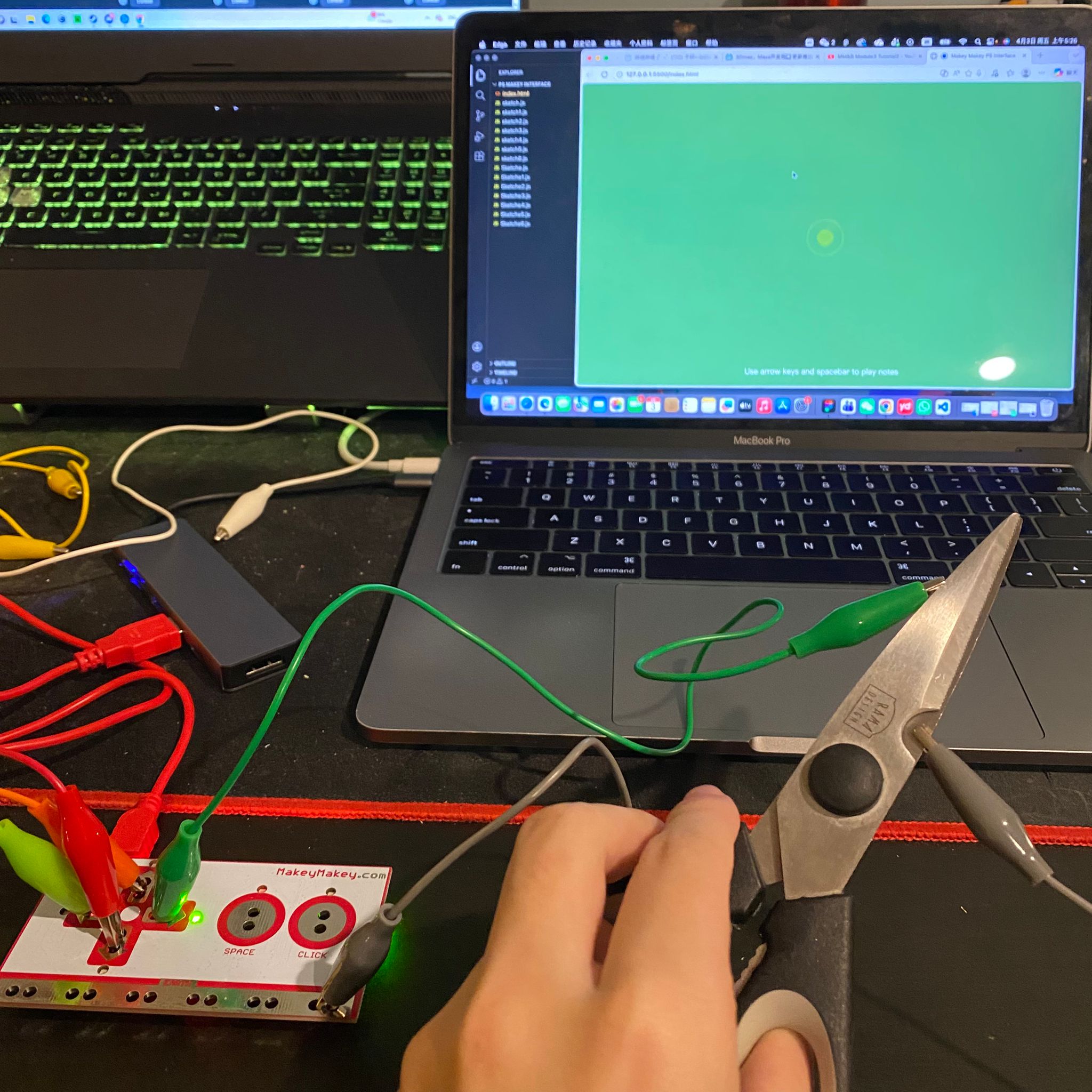
Follow the tutorial to explore the first P5js sketch Follow the tutorial to explore the second P5js sketch Follow the tutorial to explore the third P5js sketch Follow the tutorial to explore the fourth P5js sketch Follow the tutorial to explore the fifth P5js sketch Follow the tutorial to explore the sixth P5js sketch Follow the tutorial to explore the seventh P5js sketch Try to make my own modifications in the first P5js sketch, such as changing the colors, shapes and the background, etc. Visual example of my first P5js exploration. Try to make my own modifications in the second P5js sketch, such as changing the colors and adding simple movement effects, etc. Visual example of my second P5js exploration. Try to make my own modifications in the third P5js sketch, changing the coefficient of graphic movement, color, background and lighting, etc. Visual example of my third P5js exploration. Try to make my own modifications in the fourth P5js sketch, changing the graphic movement coefficient, background and lighting, etc. Visual example of my fourth P5js exploration. Try to make my own modifications in the fifth P5js sketch, changing the graphic movement coefficient, zooming coefficient, background, and so on. Visual example of my fifth P5js exploration. Try to make my own modifications in the sixth P5js sketch, changing the color, adding the function where the background color changes with the audio, and creating the circular sound wave effect. Visual example of my sixth P5js exploration. Try to make my own modifications in the seventh P5js sketch, adding the function where the background color changes with the audio, the circular sound wave effect, and the display of the current pitch. Visual example of my seventh P5js exploration. Try using scissors as a conductor to link the Makey Makey to trigger the effects of P5js. Try using forceps as a conductor to link the Makey Makey to trigger the effect of P5js. Try using a utility knife as a conductor to link the Makey Makey to trigger the effects of P5js. Try using a key as a conductor to link Makey Makey and trigger the effect of P5js.

Activity 2
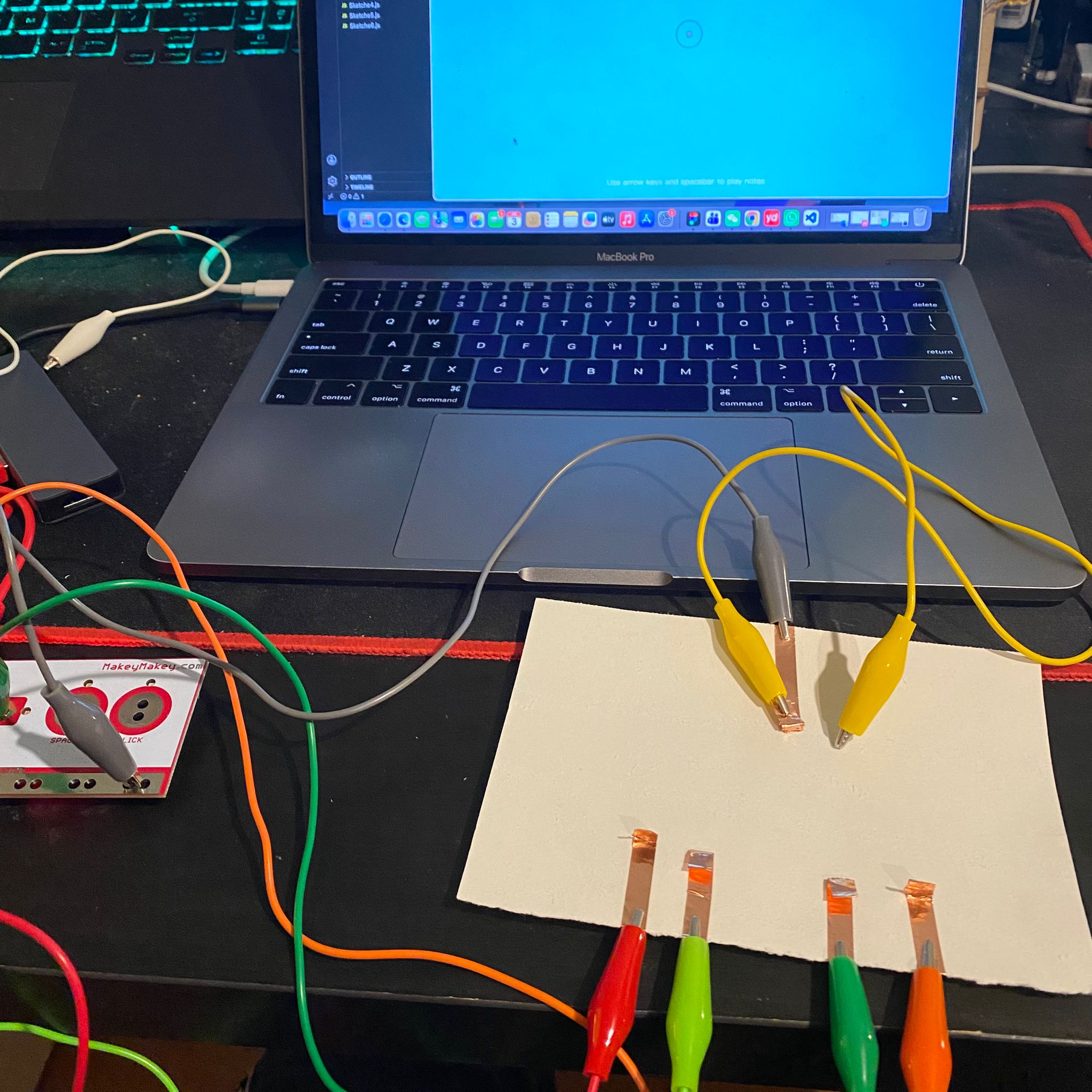
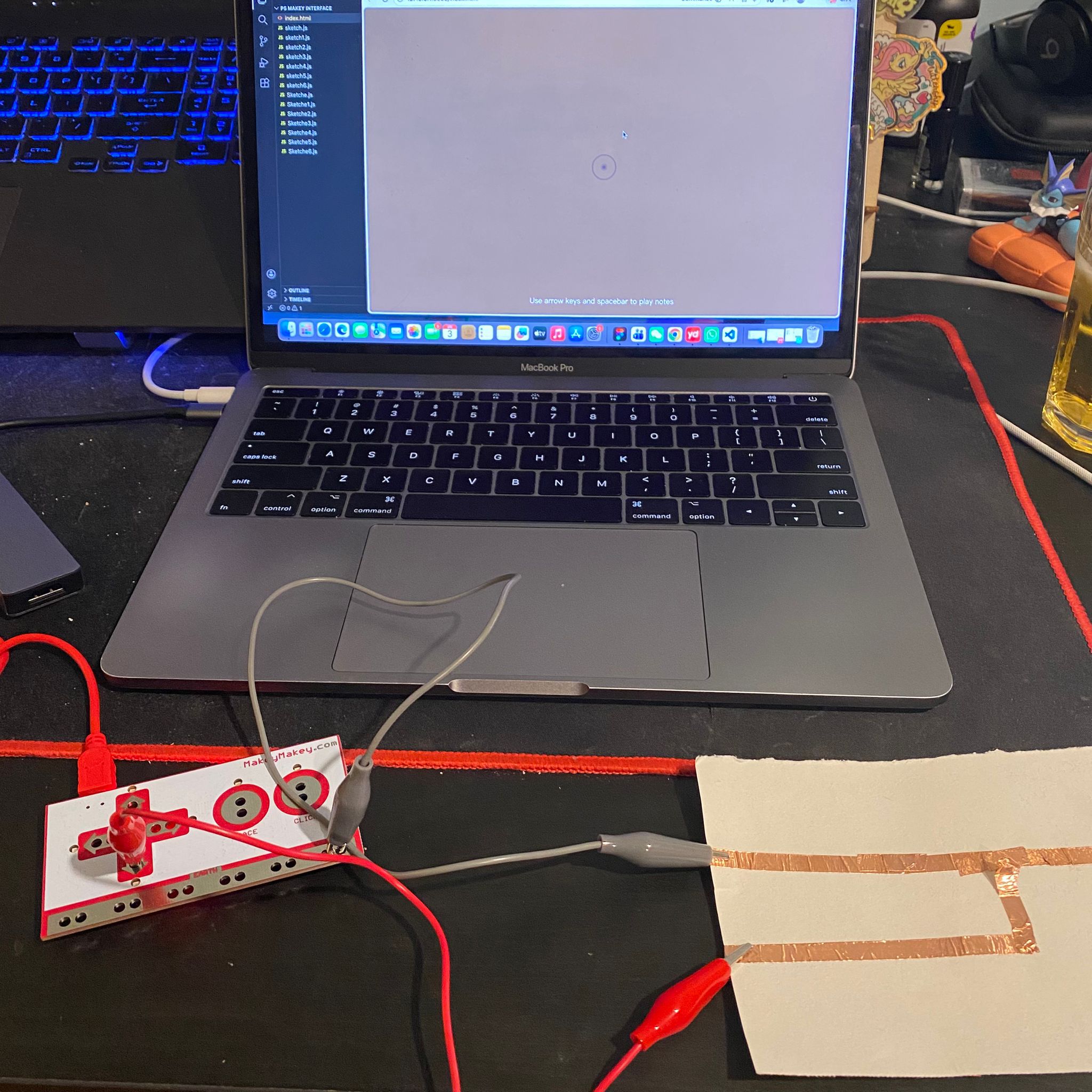
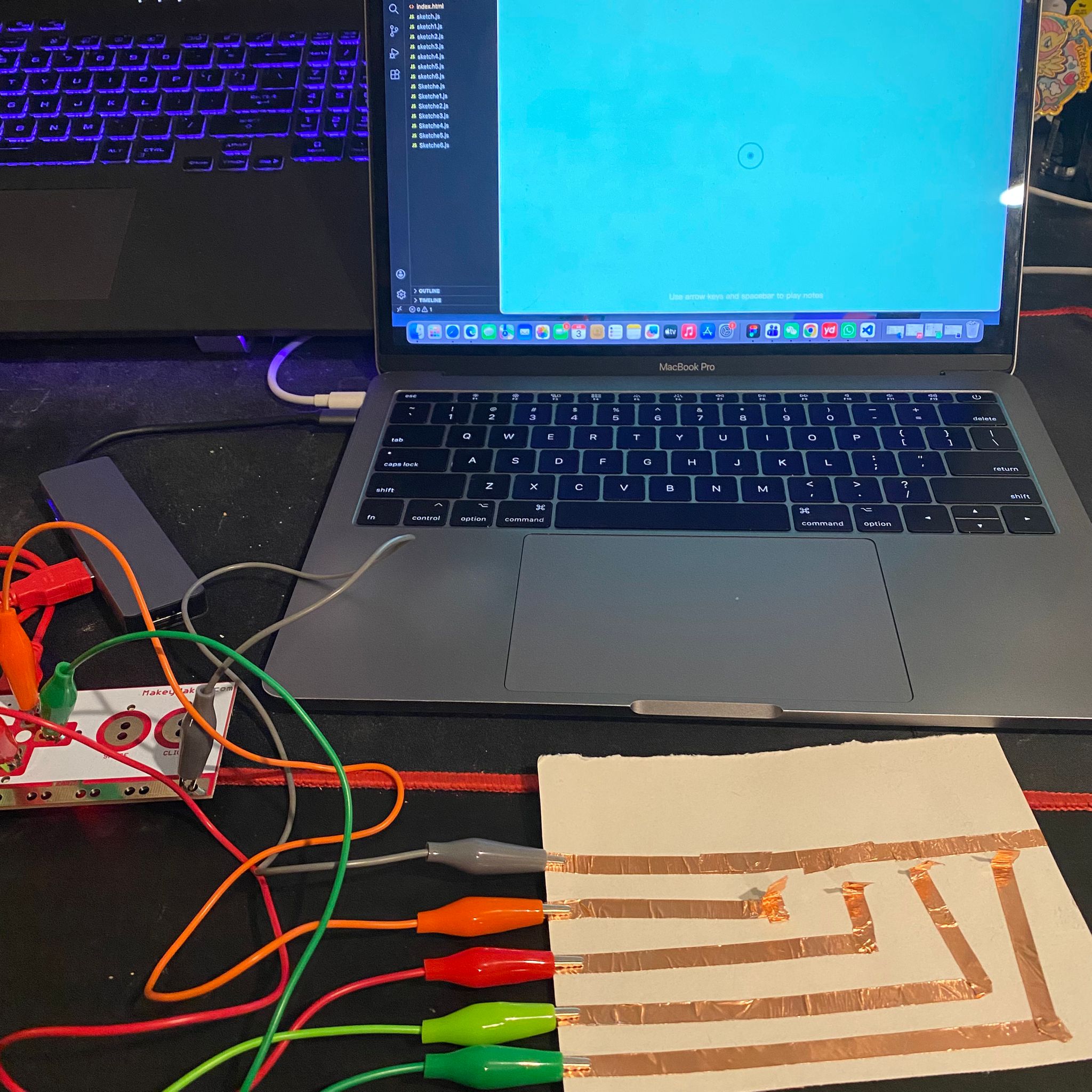
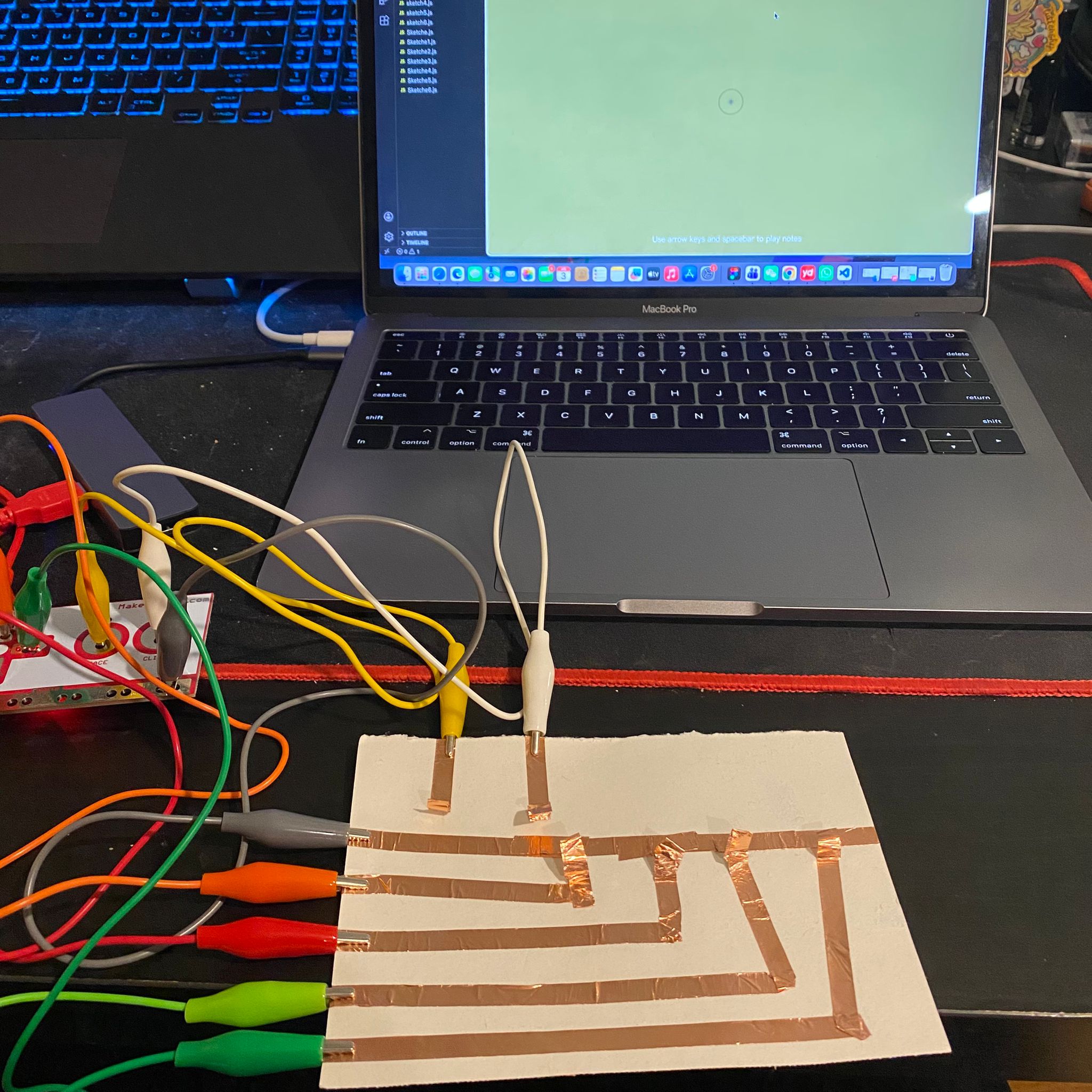
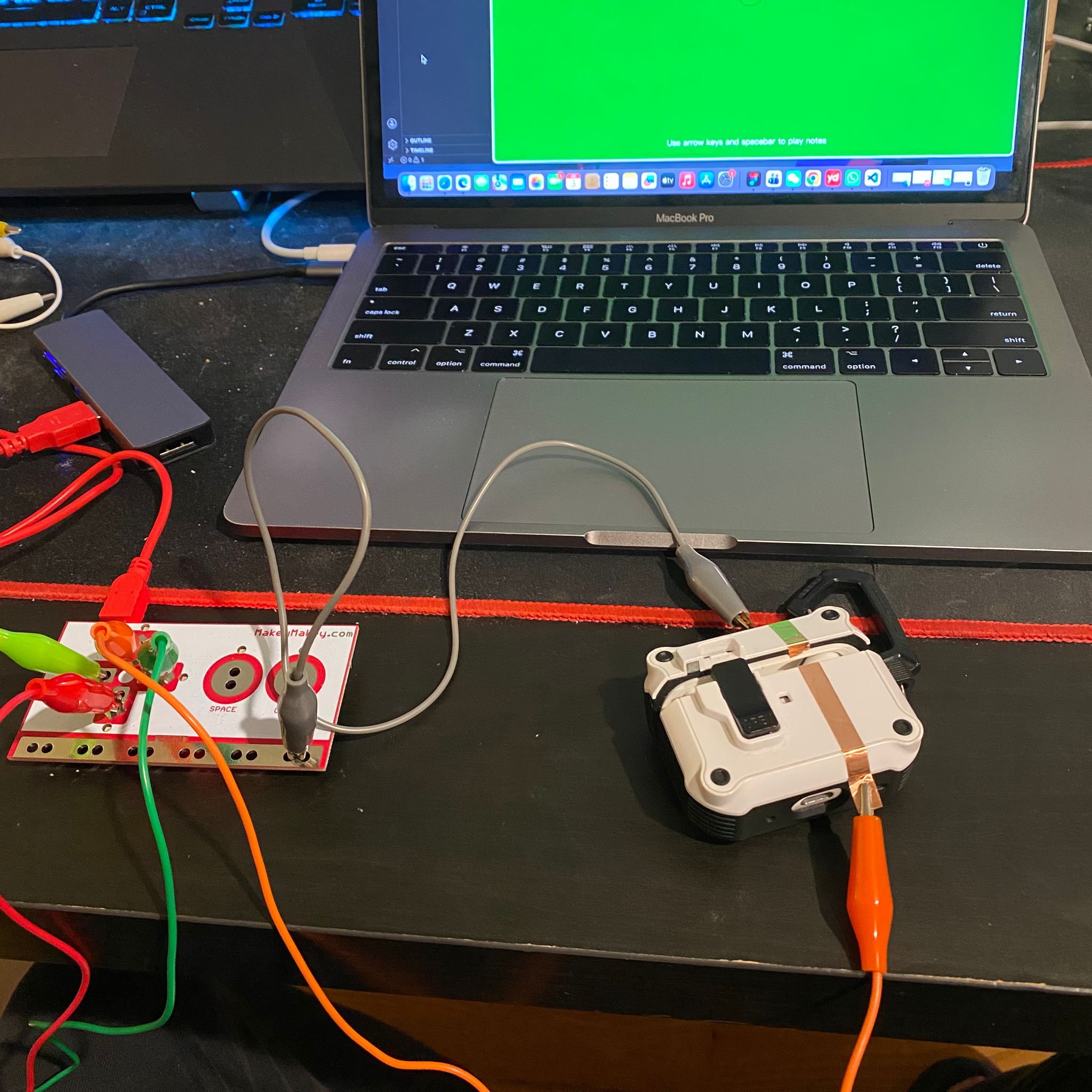
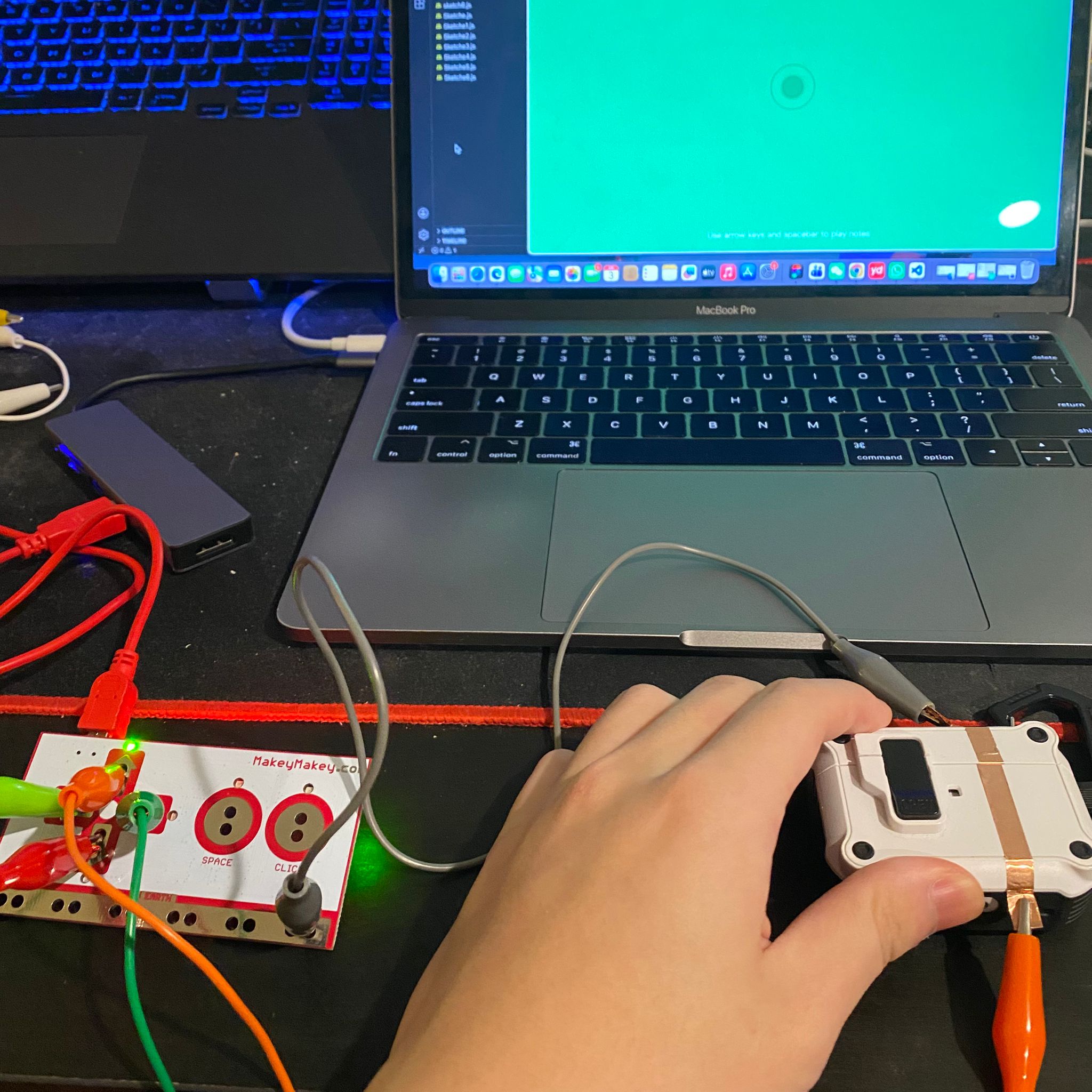
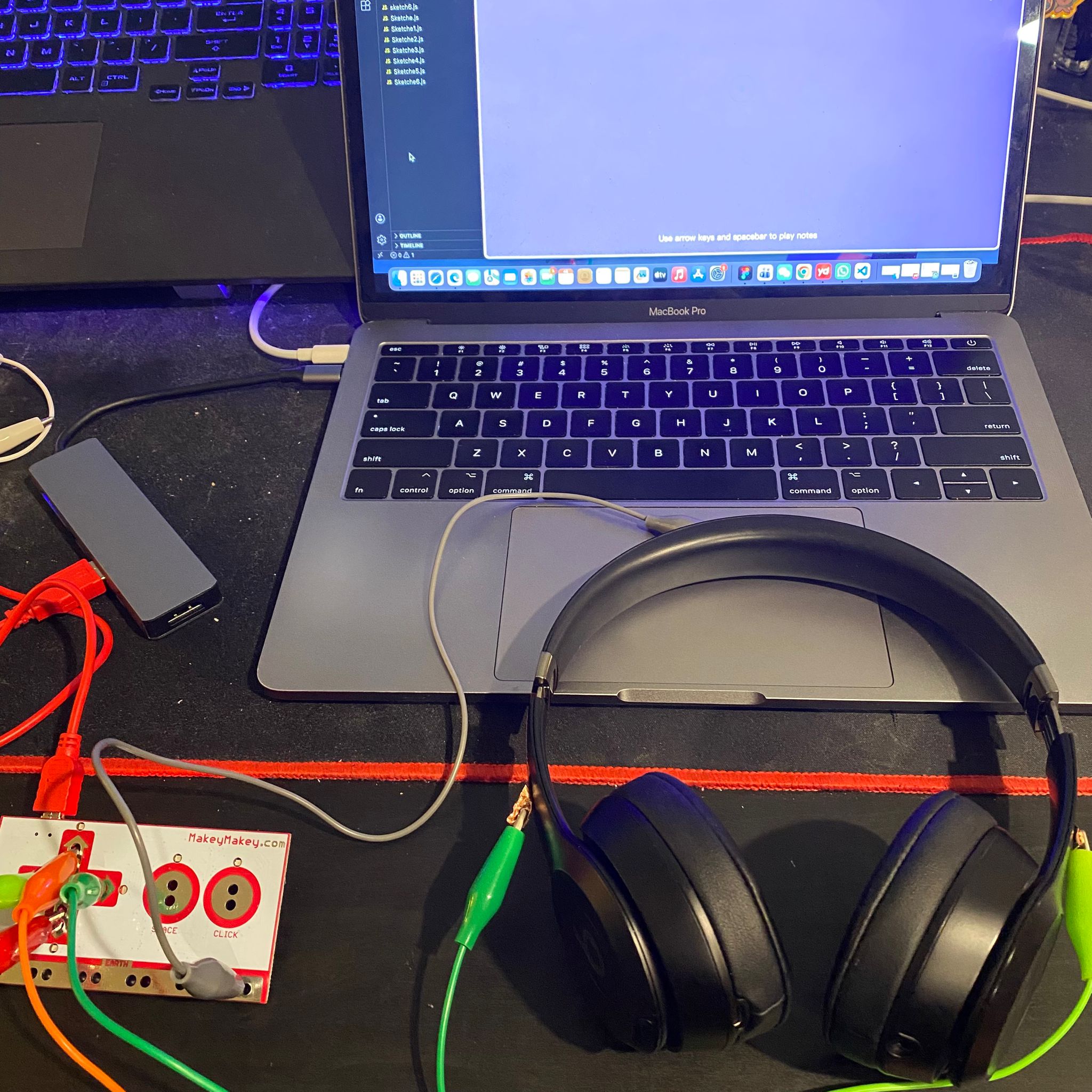
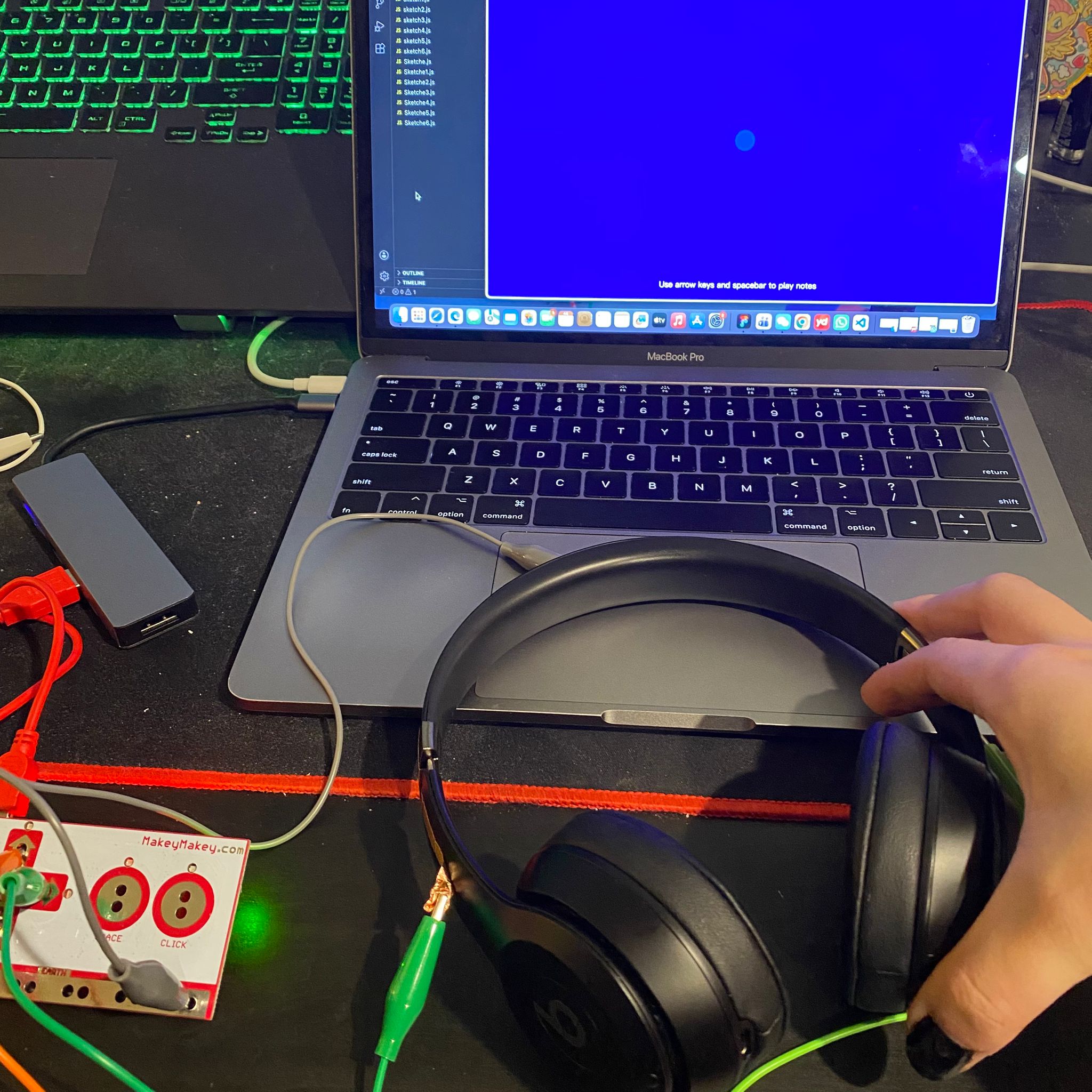
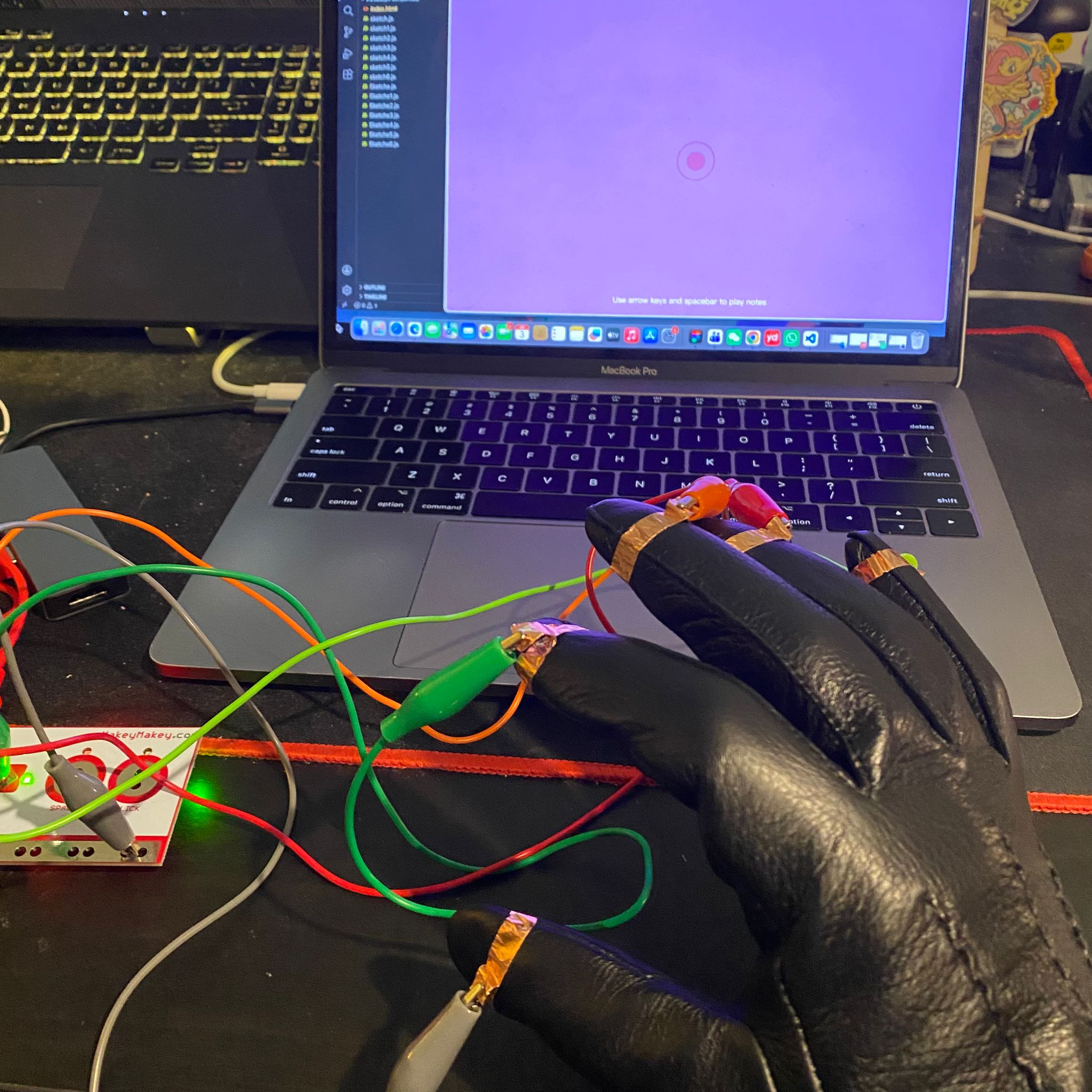
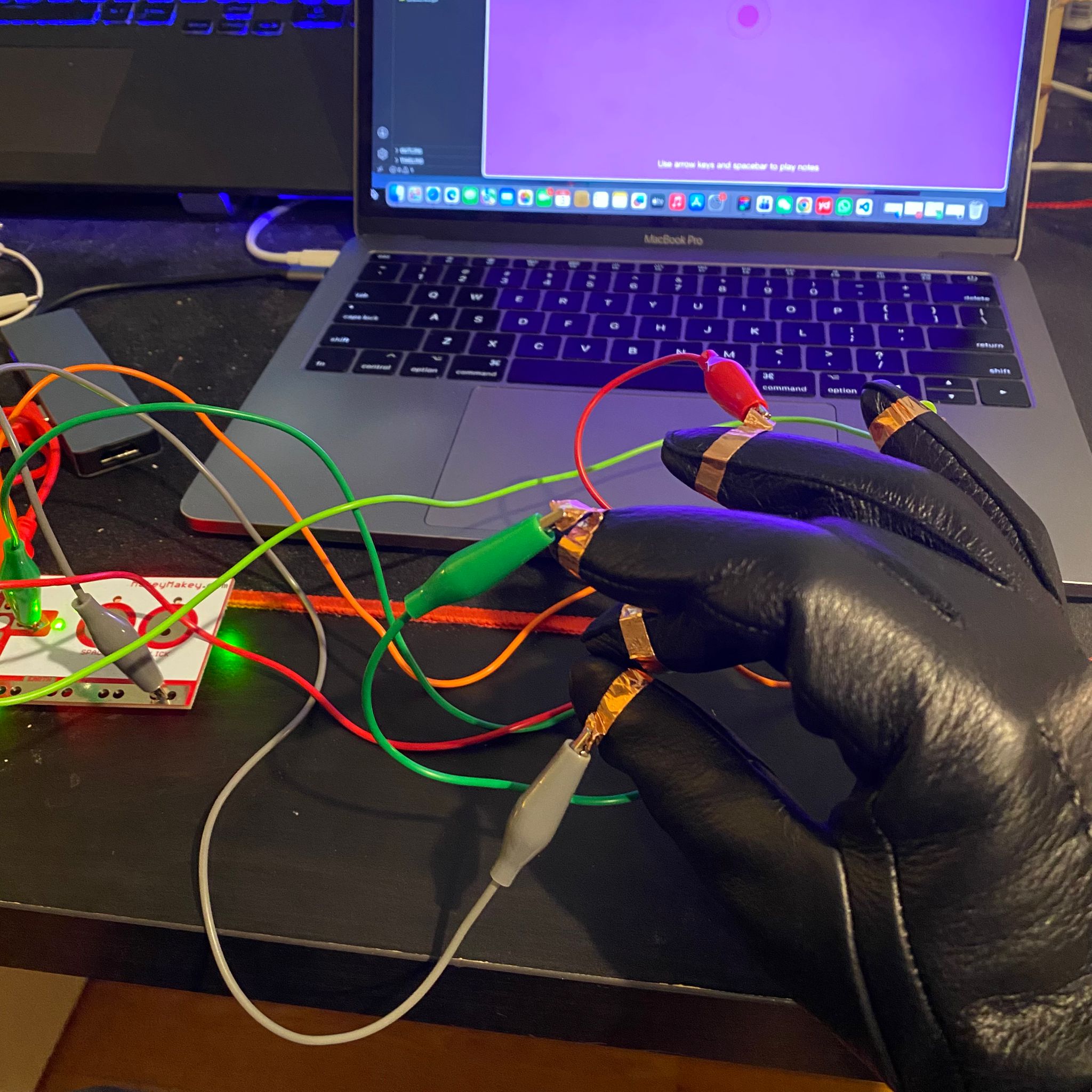
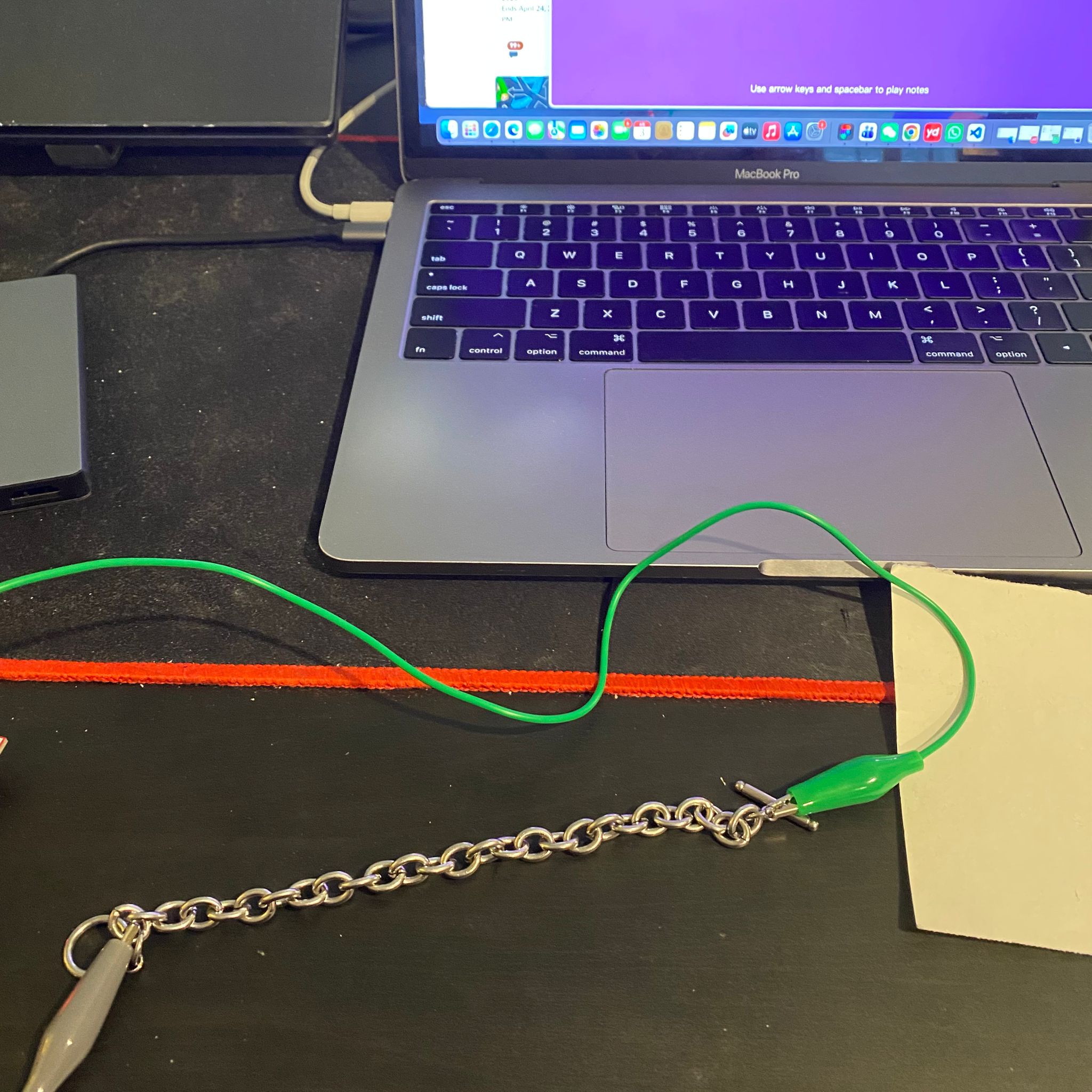
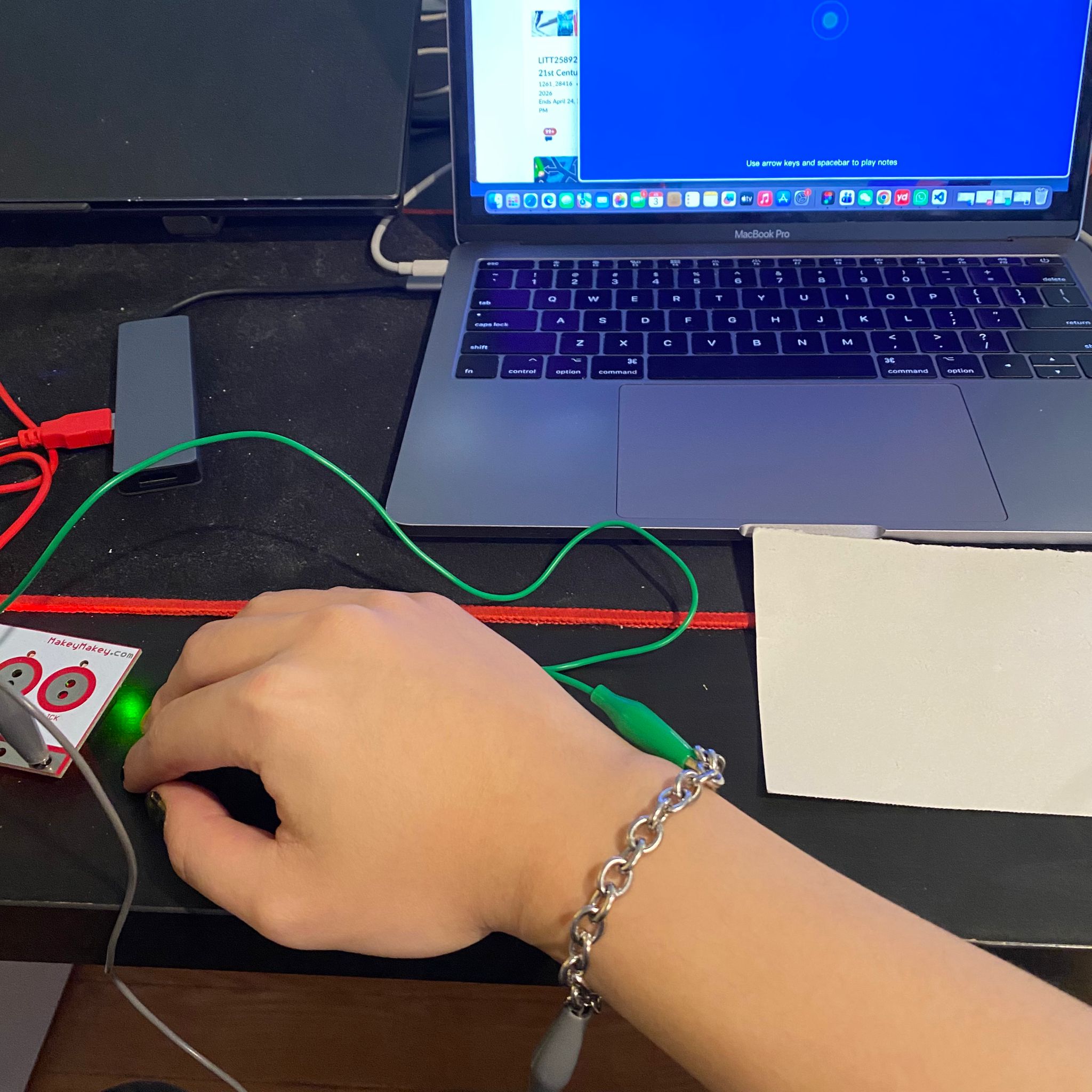
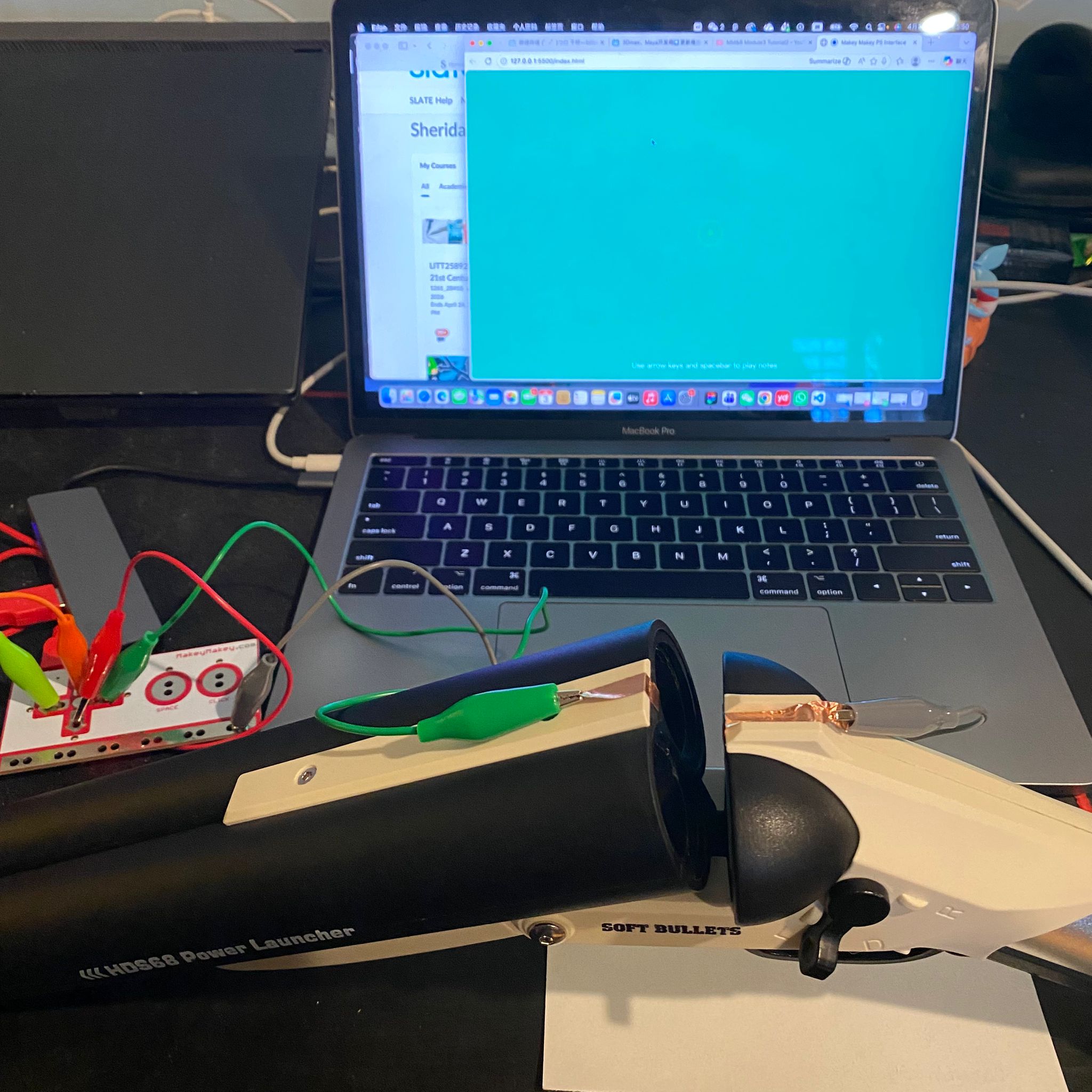
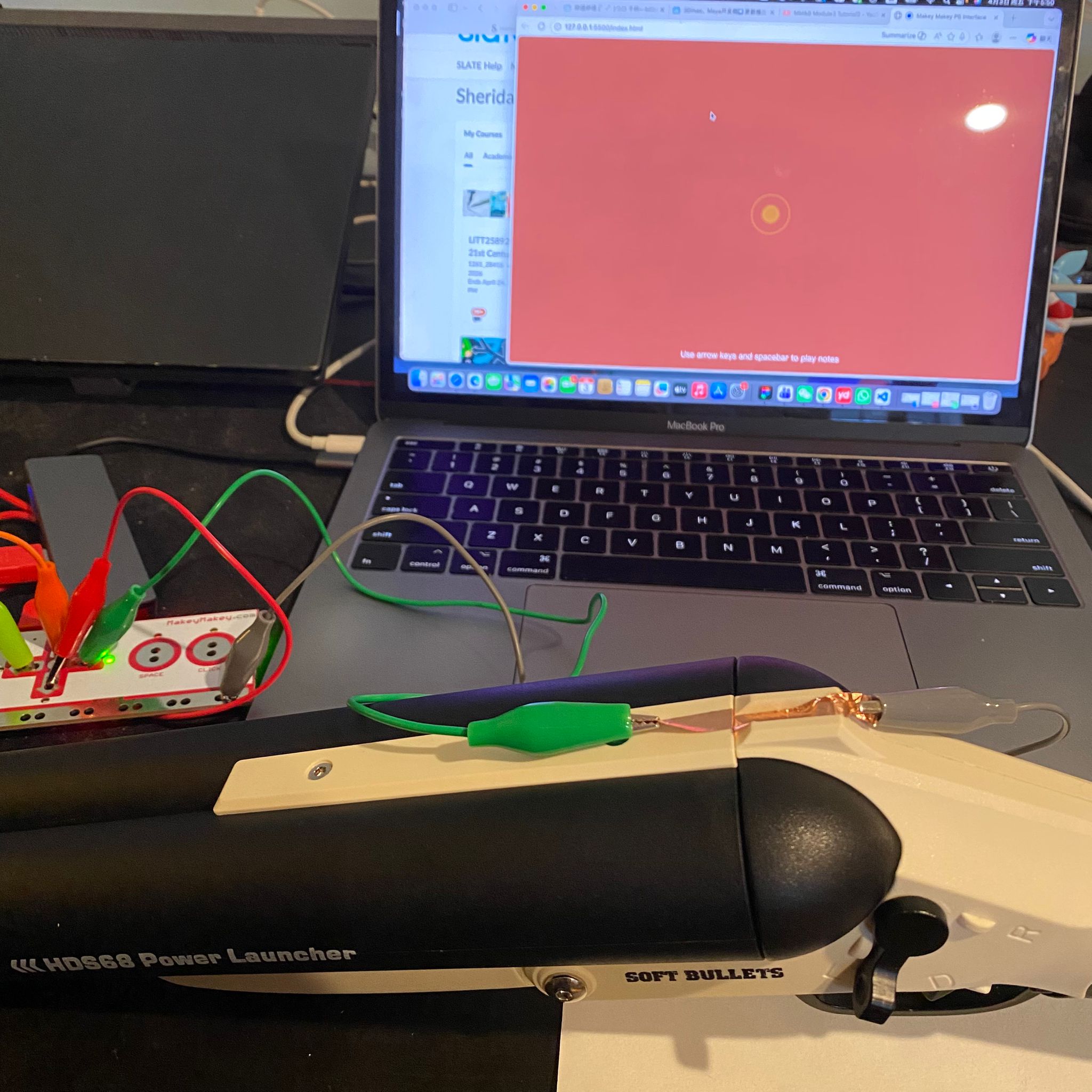
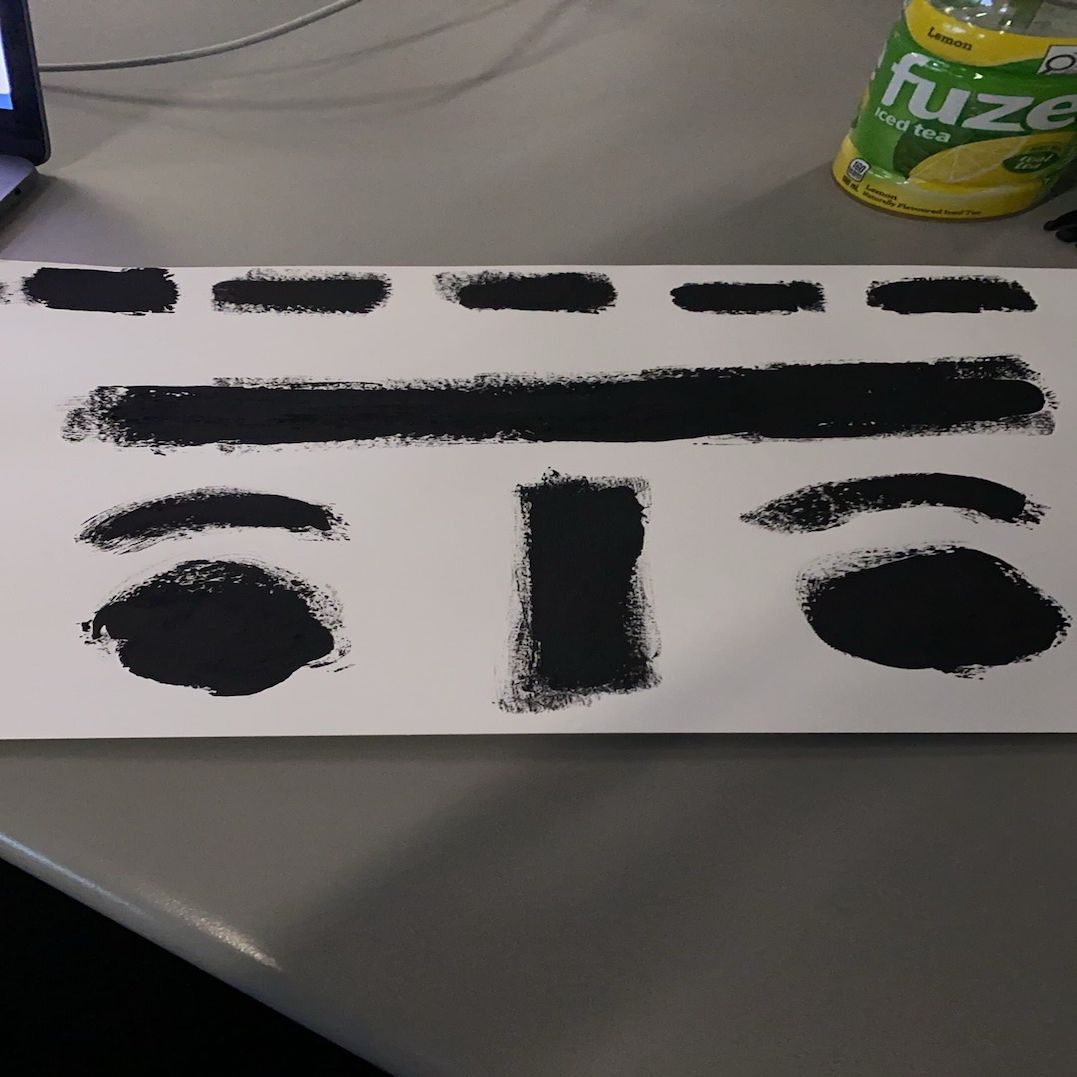
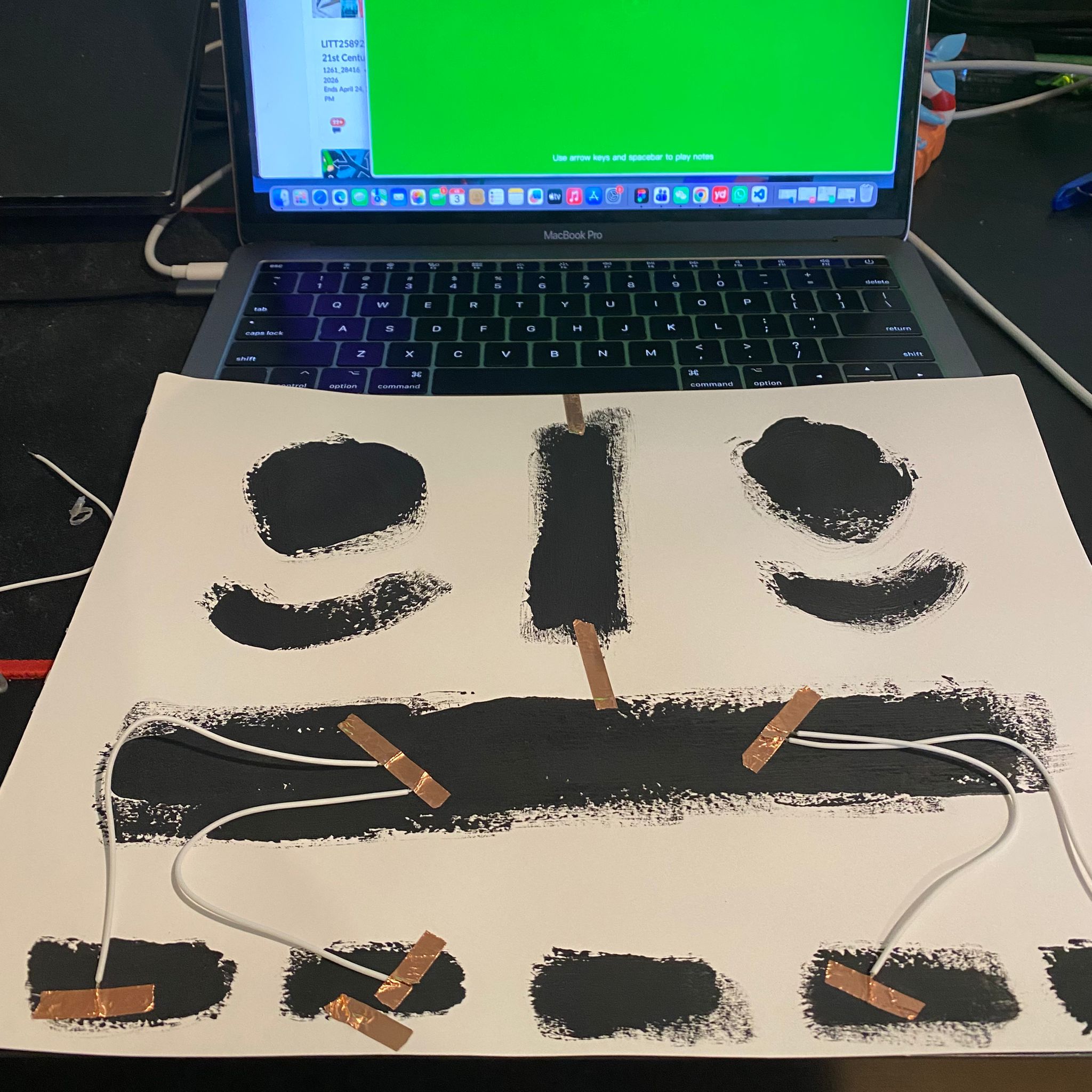
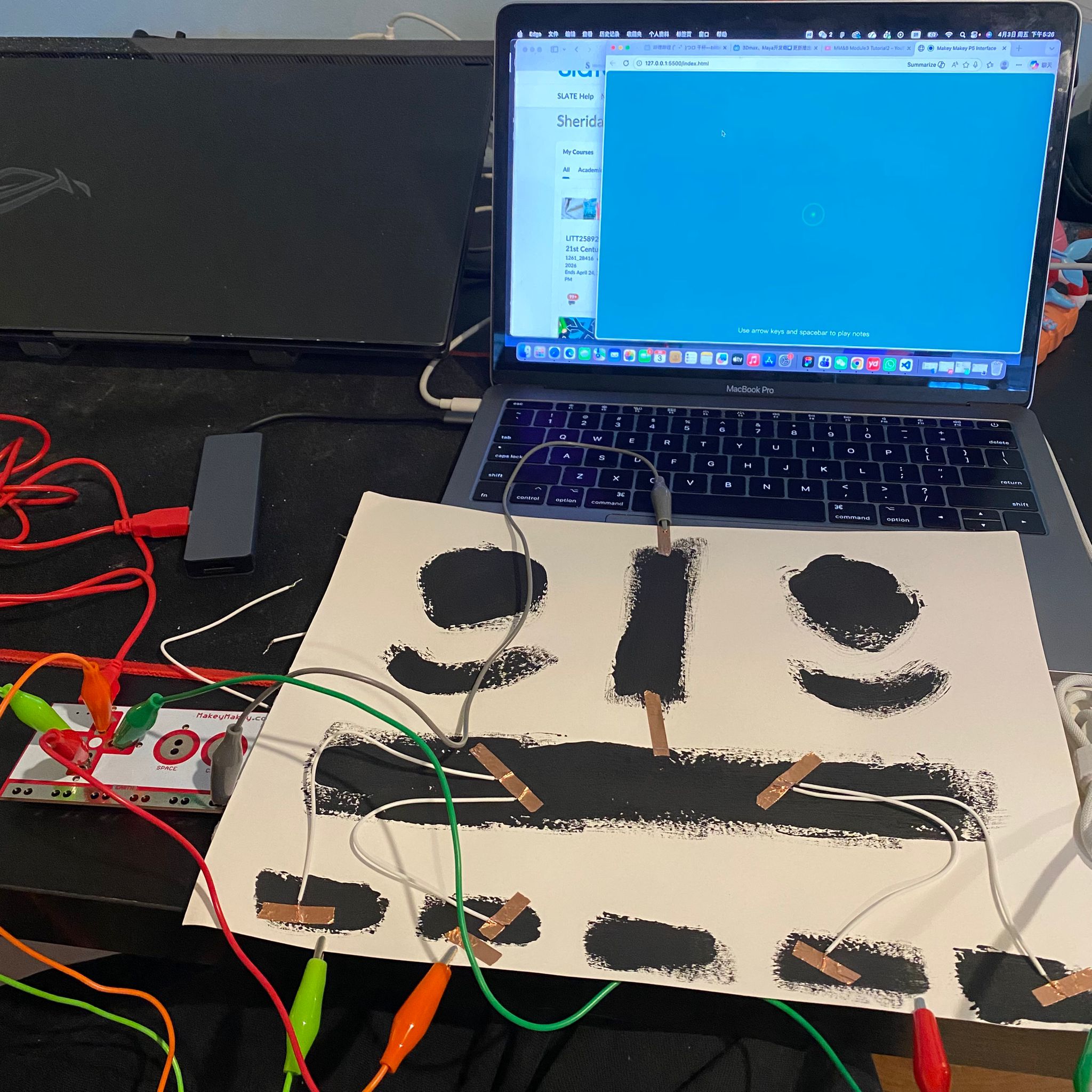
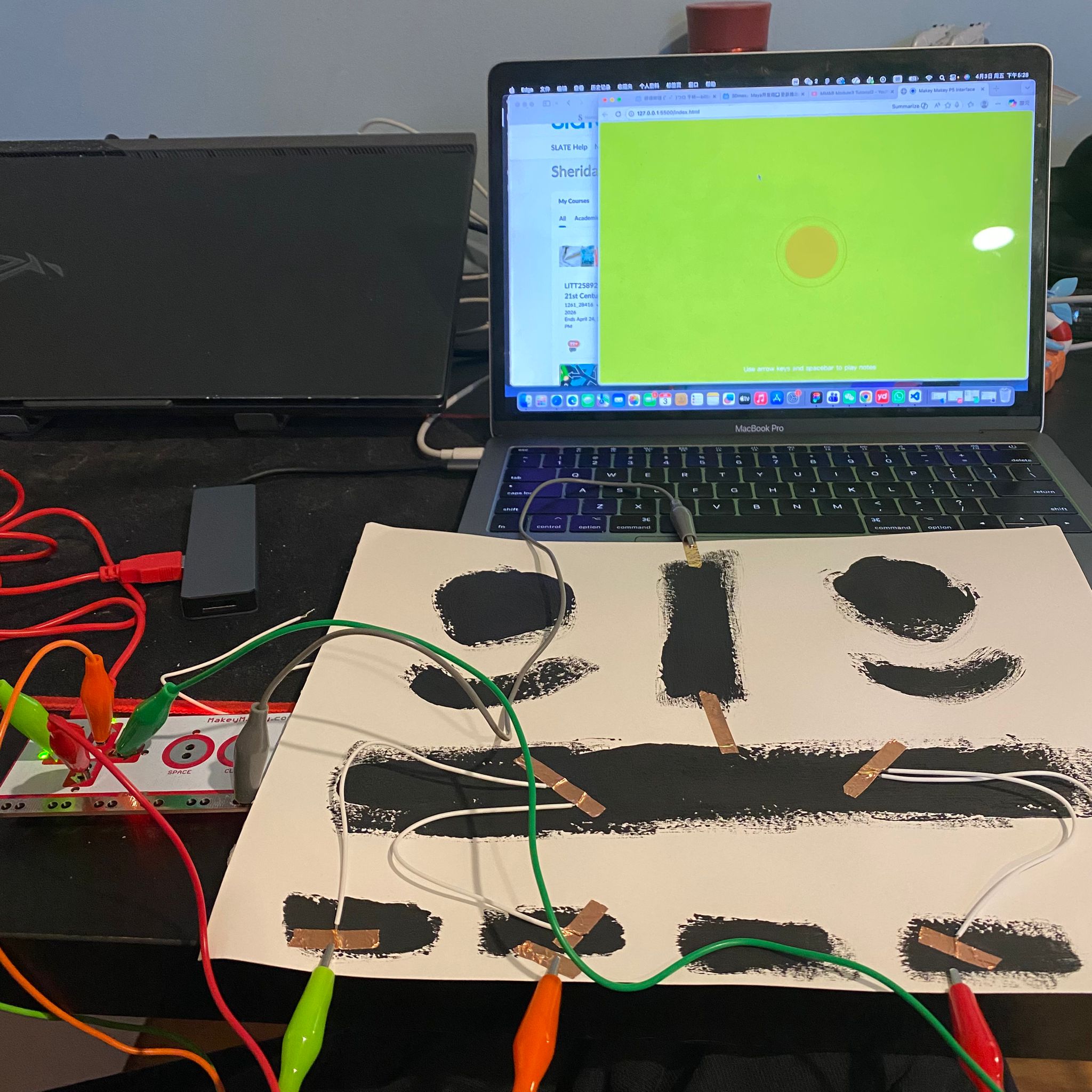
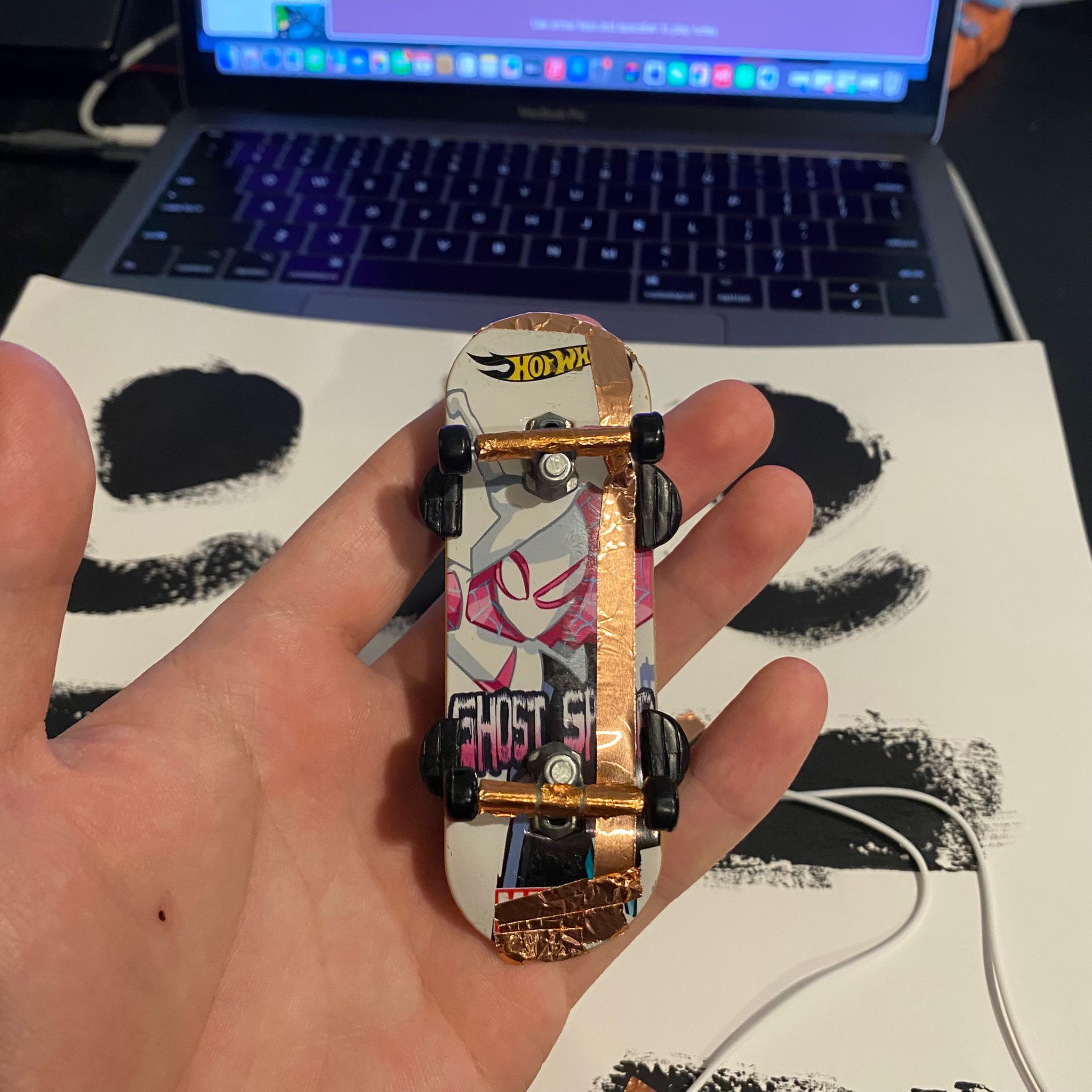
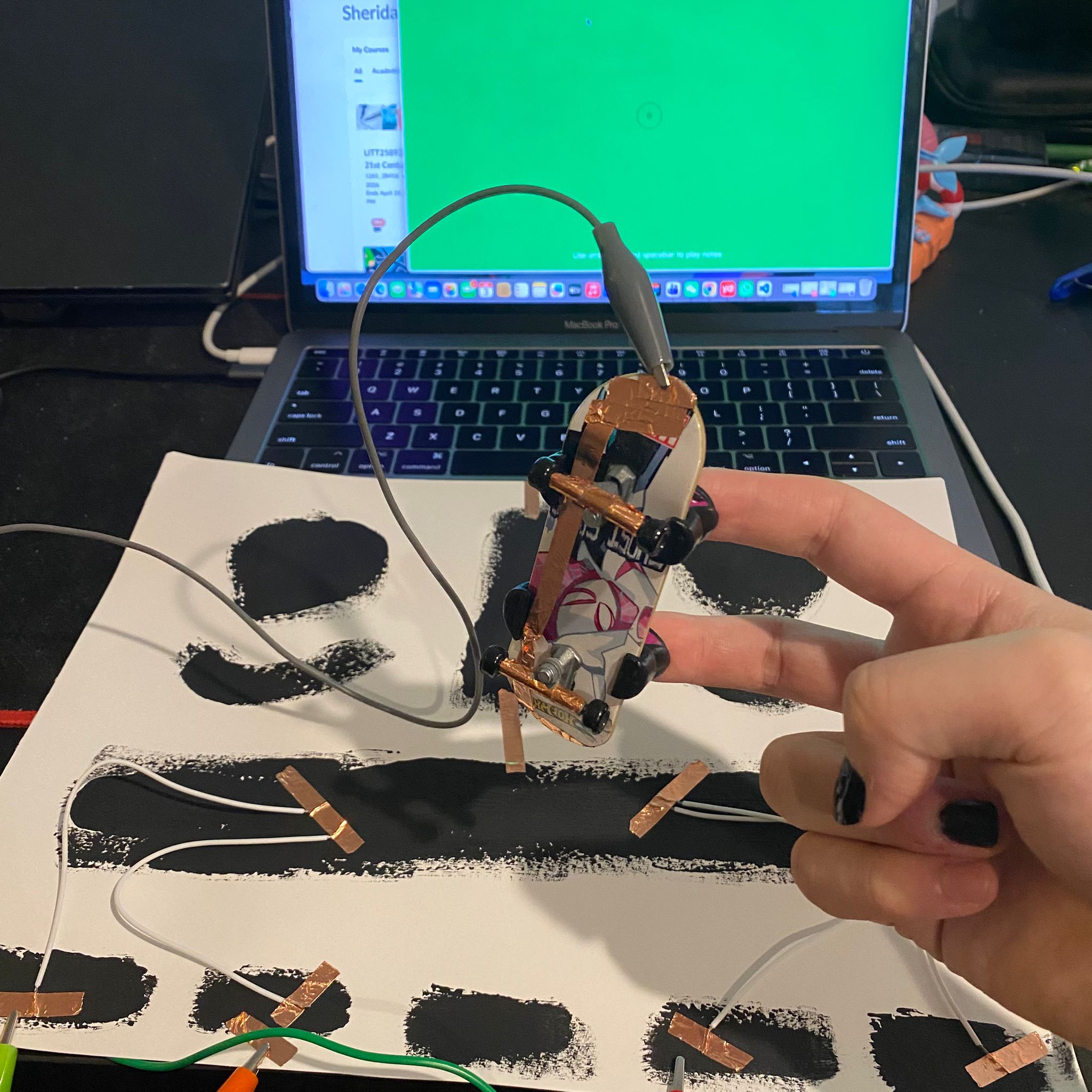
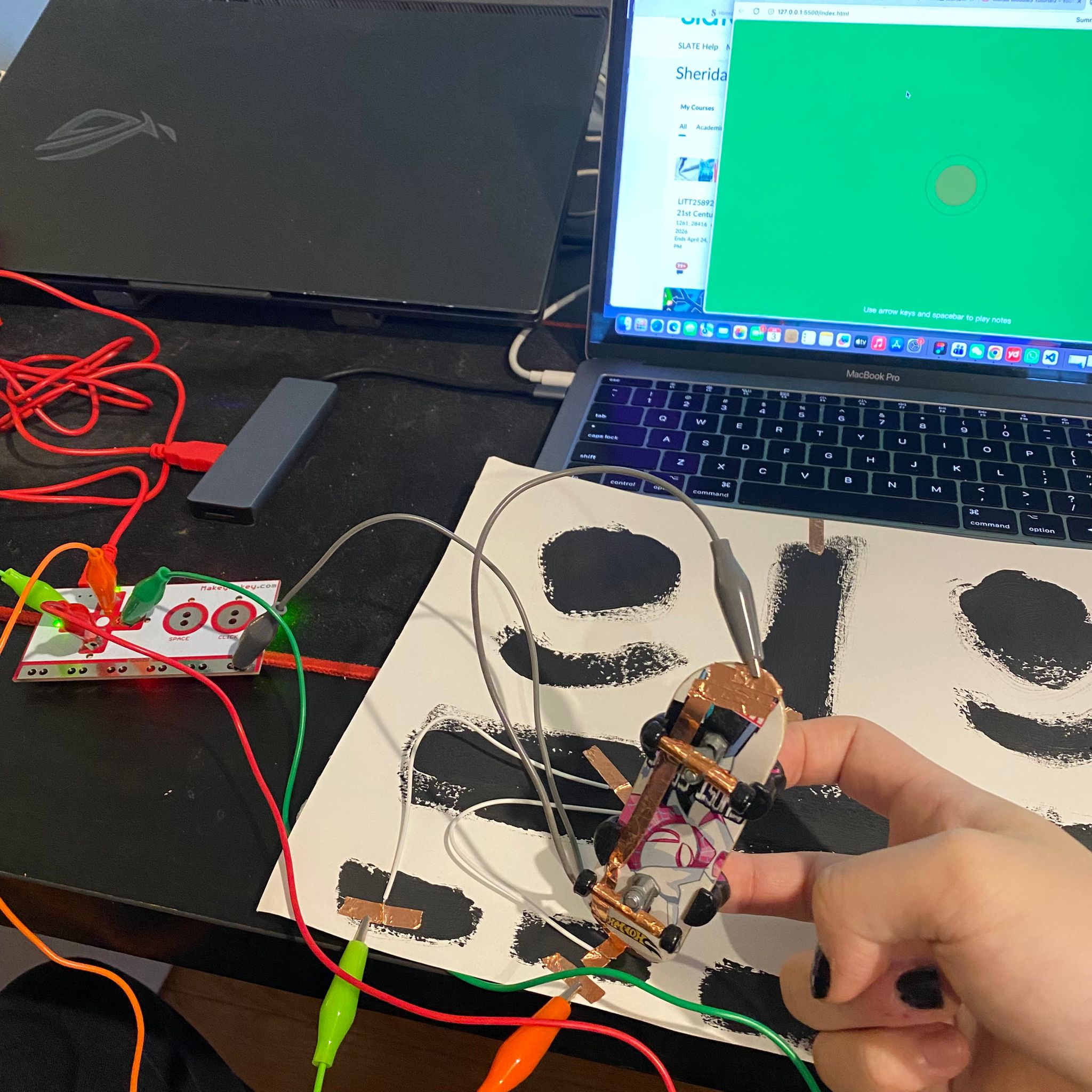
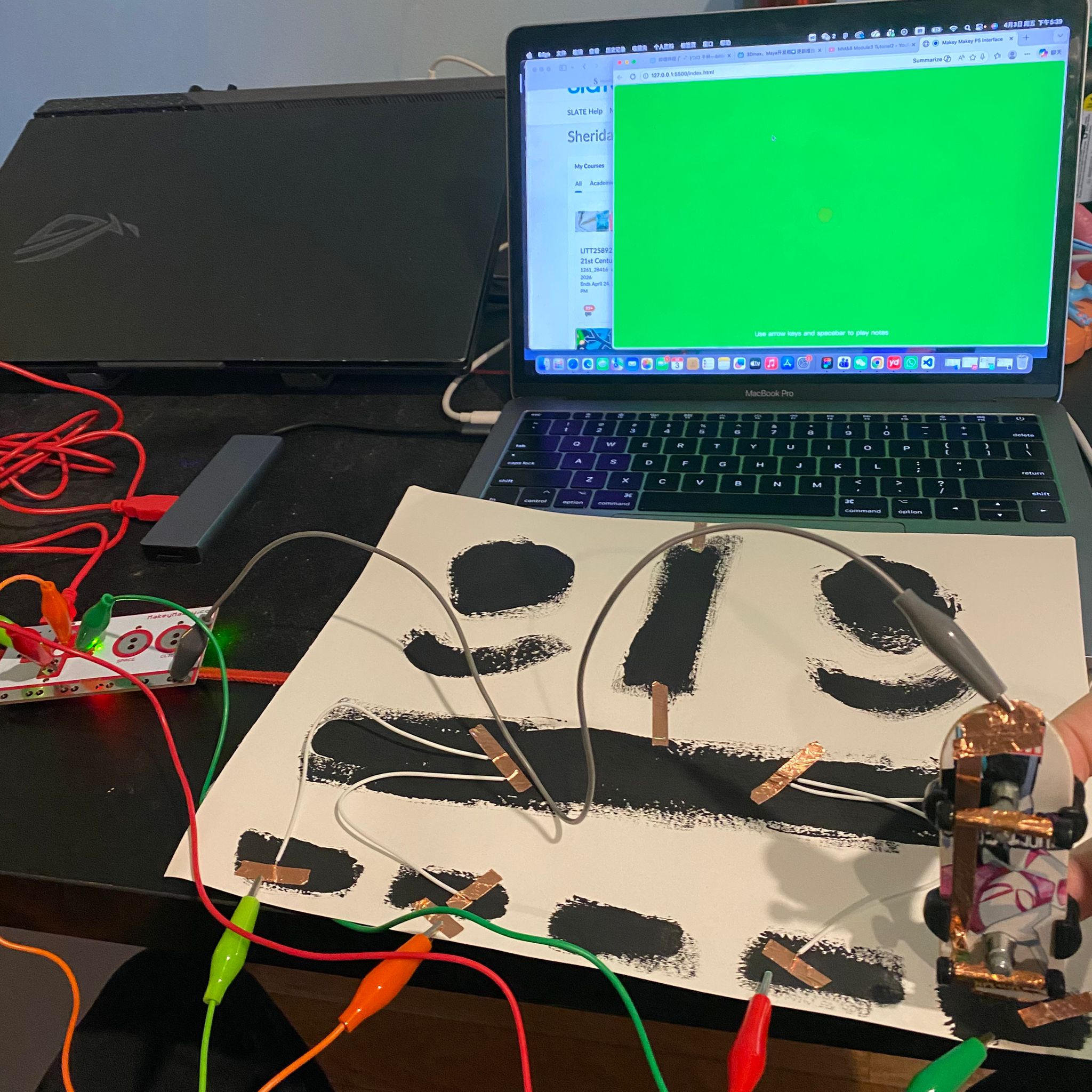
Carried out a simple circuit experiment using Makey Makey More circuits were added to the previous basic circuit. I attempted to connect all the slots and installed switches for each line. I experimented with various circuit connection methods, ensuring that each wire could function independently. Each line is separately connected, and the reactions and effects are tested. I managed to create a simple switch using the earphone case. Connect different slots and conduct the switch experiment I attempted to create a connection device with two switches using a head-mounted earpiece. Try different switching methods to observe the reactions I tried using wearable items, such as gloves, to create a simple connection device. Each finger of the glove is individually connected to the corresponding Makey Makey slot. I tried different contact methods to observe the reactions. I then attempted to conduct the connection experiment using scissors as the switch. I experimented with different shapes of scissors to observe the changes in the connection. I attempted to connect the Makey Makey using a bracelet to observe the reaction. I attempted to wear the bracelet to conduct the test and observe the changes. I tried using Nerf toys to make a connection device. When the Nerf toy is closed, it triggers the Makey Makey. After the trigger is activated, observe the changes. I participated in the conductive paint activity and experiment in class. I added wires to the conductive pigments, connecting each pigment section together. After connecting the Makey Makey, I observed the reactions of different pigment sections. I tried different connection methods and then observed the reactions. I tried to attach conductive tape to the finger-slide toy. I connected the fingerboard to the wire and attempted to interact with the conductive paint. I attempted to touch different sections of the conductive paint to observe the changes. I attempted to touch different sections of the conductive paint to observe the changes.

Project 3


Final Project 3 Design

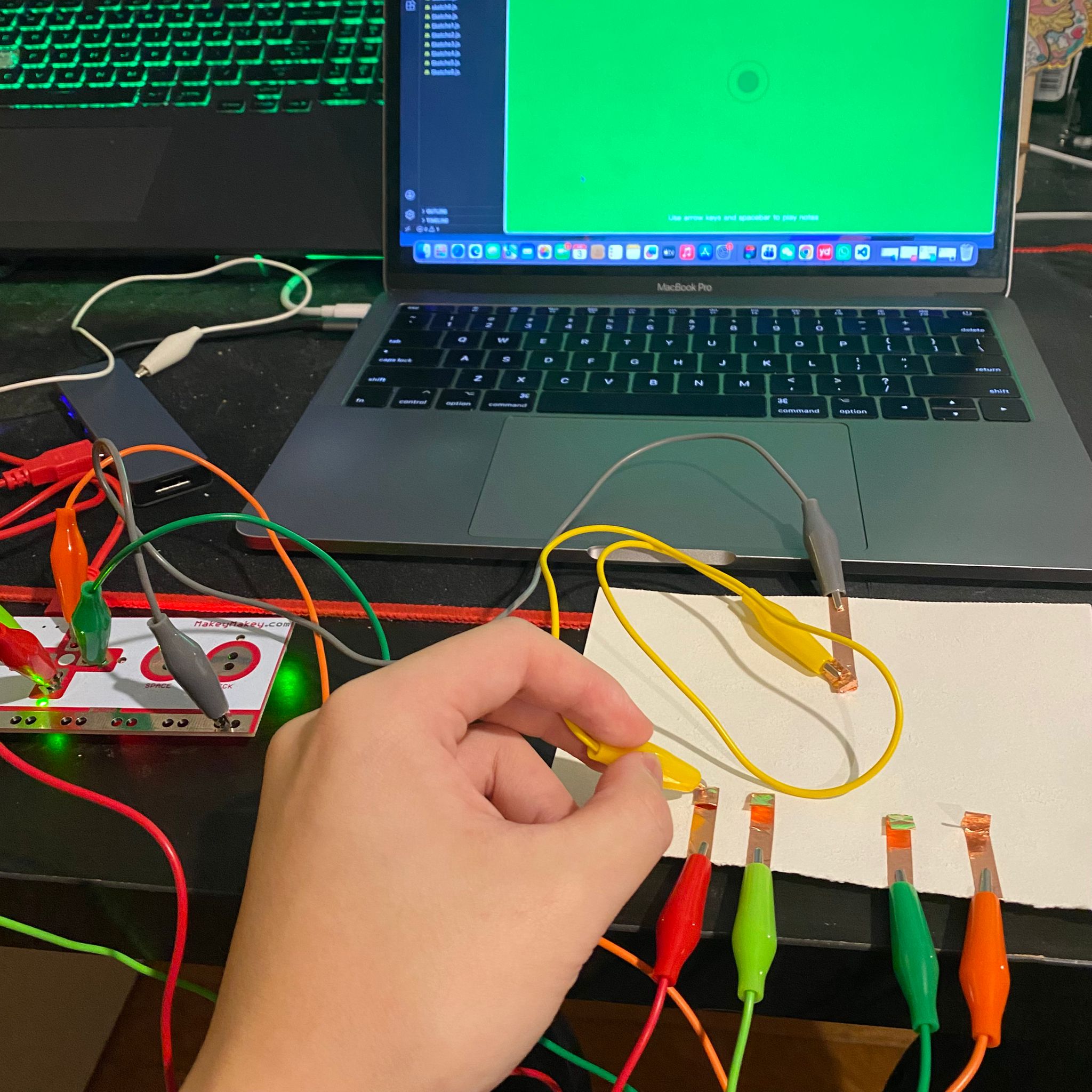
The final project is a touch-based skateboard game controlled by a physical interface. A board with conductive areas is connected to MakeyMakey, and a finger skateboard with conductive tape acts as the controller. By touching different areas, the system translates physical movement into directional control in the game, allowing the on-screen skateboard to respond directly to real-world interaction.
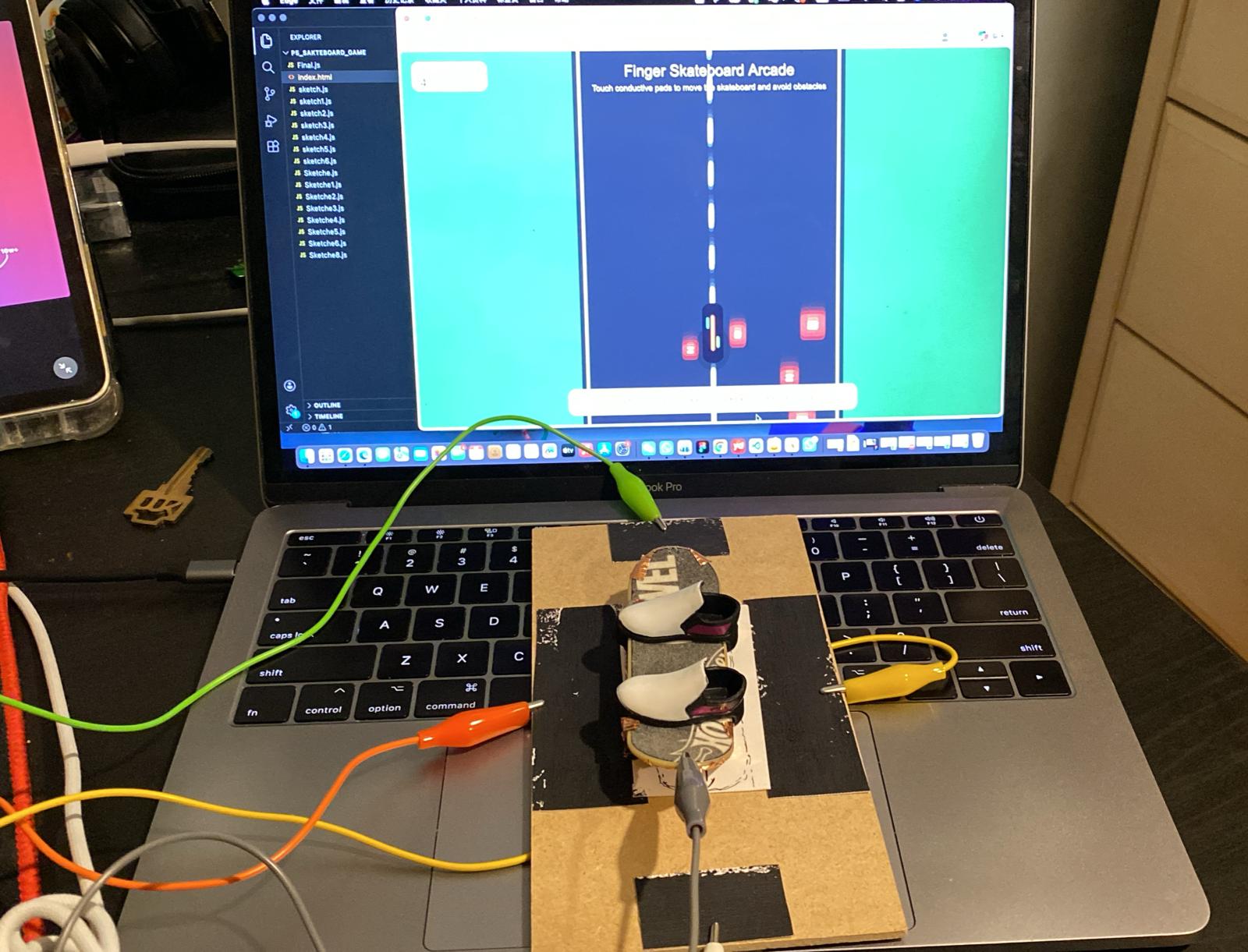
https://hujiami.phoenix.sheridanc.on.ca/P5_Sakteboard_game/
×

Powered by w3.css